

Schoolyi

A branded application flow before families have accounts

Public admissions apply

Collect applicant details, documents, and configured application fees through a public multi-step flow that feeds the admissions workspace. Families should be able to start an application without learning your staff system. Schoolyi keeps the public journey focused, validates required fields, and hands the completed application to the admissions team for review.


Family at school admissions desk with admissions officer

Outcomes

What changes when public admissions apply is live

Practical results schools report after rolling out public admissions apply inside admissions.

  • Public application wizard with cycle-specific fields

    Families apply from a school-branded public page

  • Document upload with required-file visibility

    Admissions receives complete records instead of email attachments

  • Application fee step where configured

    Required documents are visible before review

  • Confirmation and application number

    Application numbers support self-service tracking

Product truth

What to verify before rollout

Good school software copy should answer who owns the work, what the handoff produces, and which parts still depend on deployment decisions.

Available now

Capability status

This page describes the supported workflow boundary. Confirm configuration, integrations, data, and policy requirements in a representative pilot before committing to production.

Teams in the workflow

  • Prospective families
  • Admissions teams
  • Registrars

Deep dive

Decisions, handoffs, and boundaries

Use these details to turn a product page into an implementation conversation.

Why schools upgrade public admissions apply

Families should be able to start an application without learning your staff system. Schoolyi keeps the public journey focused, validates required fields, and hands the completed application to the admissions team for review.

Connected to admissions

Collect applicant details, documents, and configured application fees through a public multi-step flow that feeds the admissions workspace. Because public admissions apply lives inside admissions on Schoolyi, teams stop reconciling exports between spreadsheets and the parent portal.

Evidence layer

Read the supporting product and implementation material before making a capability claim.

Key capabilities

Everything included in this capability, from daily workflows to exports your team relies on.

  • Public application wizard with cycle-specific fields
  • Document upload with required-file visibility
  • Application fee step where configured
  • Confirmation and application number
  • No staff login required to begin
  • Handoff into committee review queues

Who uses this

Role-scoped workspaces so each team sees only the tasks they own.

  • Prospective families
  • Admissions teams
  • Registrars

Full module

Admissions

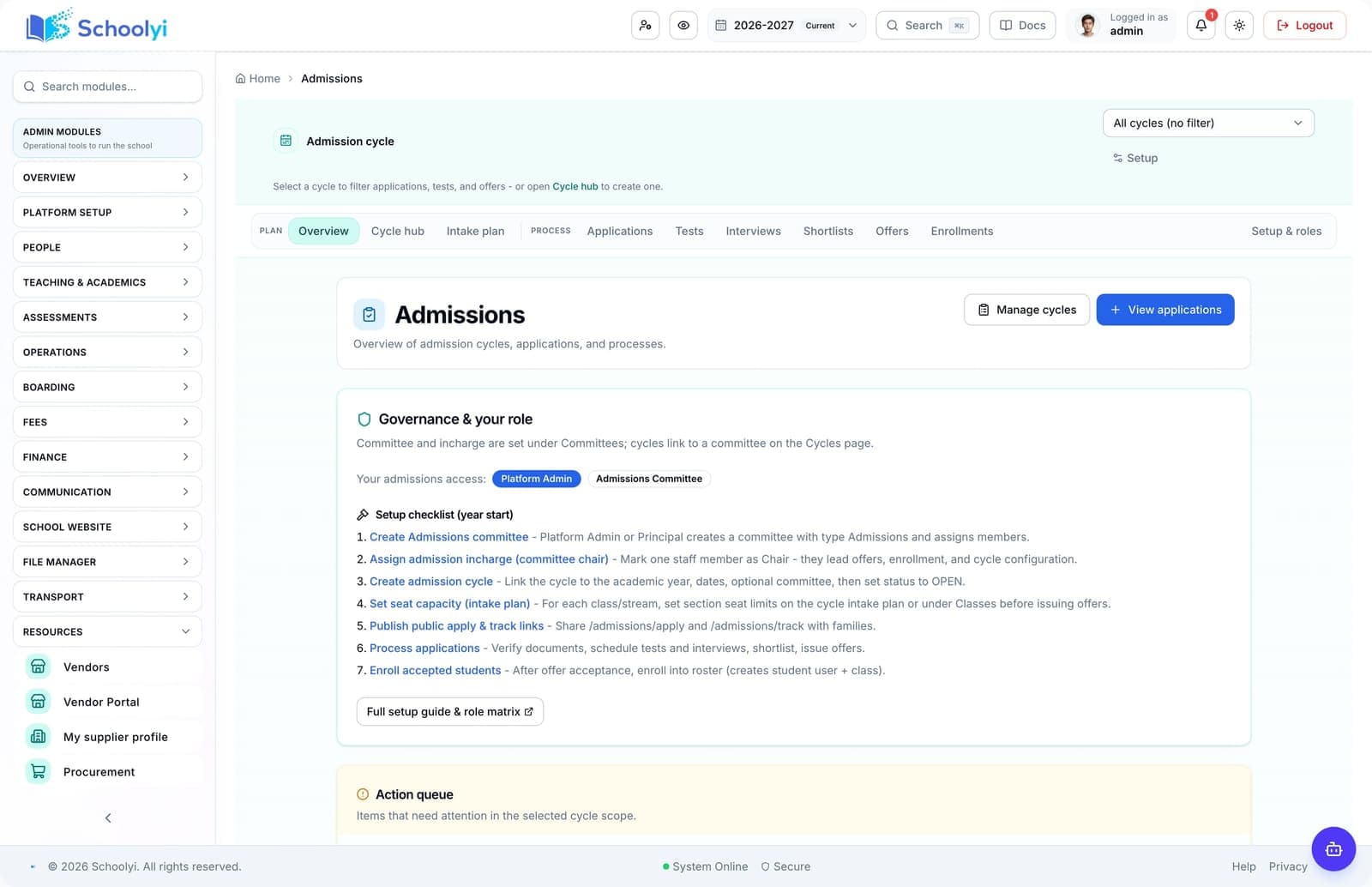
Run admission cycles from public application through tests, interviews, shortlists, offer letters, and enrollment into the student roster, with a guardian-facing track page families can use without an account.

Explore Admissions

Workflow

How teams run public admissions apply week to week

A typical path from setup through daily use on Schoolyi.

  1. 01

    Public application wizard with cycle-specific fields

    Part of the Public admissions apply workflow on Schoolyi, connected to roster, calendar, and role permissions.

  2. 02

    Document upload with required-file visibility

    Part of the Public admissions apply workflow on Schoolyi, connected to roster, calendar, and role permissions.

  3. 03

    Application fee step where configured

    Part of the Public admissions apply workflow on Schoolyi, connected to roster, calendar, and role permissions.

  4. 04

    Confirmation and application number

    Part of the Public admissions apply workflow on Schoolyi, connected to roster, calendar, and role permissions.

Deep dive

Built for school operations, not generic ERP

Long-form context for evaluators comparing capabilities during an SMS rollout.

Family at school admissions desk with admissions officer

Why schools upgrade public admissions apply

Families should be able to start an application without learning your staff system. Schoolyi keeps the public journey focused, validates required fields, and hands the completed application to the admissions team for review.

School principal reviewing reports in a modern office

Connected to admissions

Collect applicant details, documents, and configured application fees through a public multi-step flow that feeds the admissions workspace. Because public admissions apply lives inside admissions on Schoolyi, teams stop reconciling exports between spreadsheets and the parent portal.

Related capabilities

These areas work closely with public admissions apply inside admissions.

Questions, answered

Straightforward answers for visitors evaluating the product.

Who typically runs public admissions apply day to day?+

Prospective families, Admissions teams, Registrars own daily workflows while admissions coordinators review setup and exports when needed.

How does public admissions apply connect to the academic calendar?+

Collect applicant details, documents, and configured application fees through a public multi-step flow that feeds the admissions workspace. Because it shares roster and calendar data with admissions, teams do not maintain parallel date lists or exports.

Can we roll out public admissions apply after go-live?+

Yes. Schools often launch admissions foundation data first, then enable public admissions apply when coordinators are ready.

Is training required for every role?+

Role-scoped workspaces show only the tasks each team needs for public admissions apply. Most schools run a short coordinator session plus self-serve operator guides.

Students walking together across a school campus at sunset

See Public admissions apply in a live walkthrough

We'll show how public admissions apply fits your school's admissions workflows and which teams benefit first.

Already using Schoolyi? Sign in