
Why schools upgrade scheduled school reports
Scheduled reports reduce the Friday export ritual only when recipients, filters, timing, and definitions are explicit. Schoolyi keeps report delivery connected to the modules that own the underlying data.
Recurring reports delivered with clear ownership
Create recurring attendance, fees, admissions, grades, roster, and finance reports so teams review the same definitions on a predictable cadence. Scheduled reports reduce the Friday export ritual only when recipients, filters, timing, and definitions are explicit. Schoolyi keeps report delivery connected to the modules that own the underlying data.

Outcomes
Practical results schools report after rolling out scheduled school reports inside reports & insights.
Teams receive the same report definition each week
Leadership reviews trends instead of rebuilding exports
Report ownership is clear when numbers need explanation
Sensitive reports remain role-scoped
Product truth
Good school software copy should answer who owns the work, what the handoff produces, and which parts still depend on deployment decisions.
This page describes the supported workflow boundary. Confirm configuration, integrations, data, and policy requirements in a representative pilot before committing to production.
Deep dive
Use these details to turn a product page into an implementation conversation.
Scheduled reports reduce the Friday export ritual only when recipients, filters, timing, and definitions are explicit. Schoolyi keeps report delivery connected to the modules that own the underlying data.
Create recurring attendance, fees, admissions, grades, roster, and finance reports so teams review the same definitions on a predictable cadence. Because scheduled school reports lives inside reports & insights on Schoolyi, teams stop reconciling exports between spreadsheets and the parent portal.
Evidence layer
Read the supporting product and implementation material before making a capability claim.
Everything included in this capability, from daily workflows to exports your team relies on.
Role-scoped workspaces so each team sees only the tasks they own.
Full module
Reports & insights
Role based dashboards, a catalog of operational reports, and finance insights with charts, giving leadership visibility without exporting spreadsheets every Monday morning.
Explore Reports & insightsWorkflow
A typical path from setup through daily use on Schoolyi.
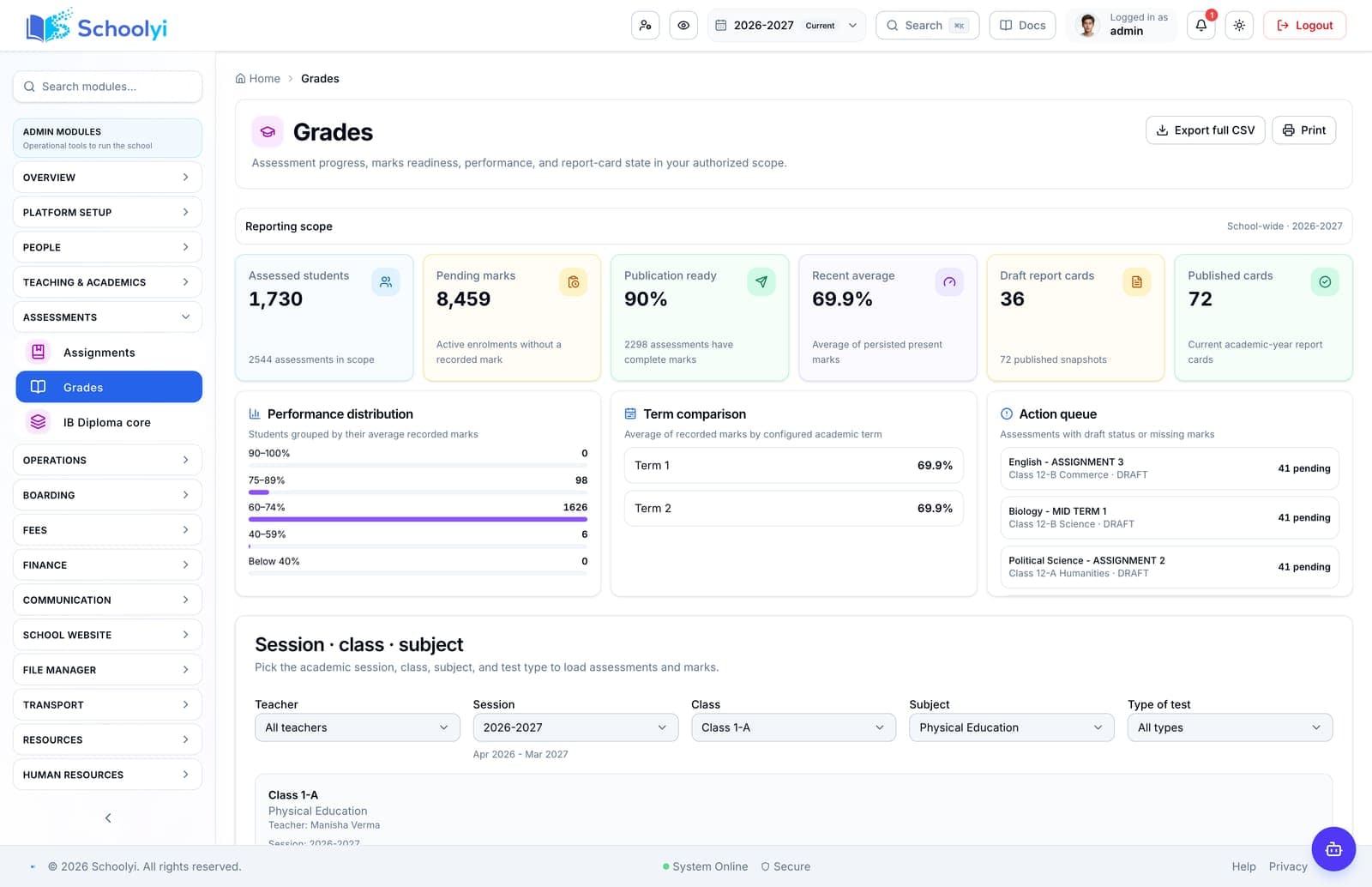
Part of the Scheduled school reports workflow on Schoolyi, connected to roster, calendar, and role permissions.
Part of the Scheduled school reports workflow on Schoolyi, connected to roster, calendar, and role permissions.
Part of the Scheduled school reports workflow on Schoolyi, connected to roster, calendar, and role permissions.
Part of the Scheduled school reports workflow on Schoolyi, connected to roster, calendar, and role permissions.
Deep dive
Long-form context for evaluators comparing capabilities during an SMS rollout.
Scheduled reports reduce the Friday export ritual only when recipients, filters, timing, and definitions are explicit. Schoolyi keeps report delivery connected to the modules that own the underlying data.

Create recurring attendance, fees, admissions, grades, roster, and finance reports so teams review the same definitions on a predictable cadence. Because scheduled school reports lives inside reports & insights on Schoolyi, teams stop reconciling exports between spreadsheets and the parent portal.
These areas work closely with scheduled school reports inside reports & insights.
Straightforward answers for visitors evaluating the product.
The report catalog supports attendance, fees, admissions, grades, roster, and finance reports using the definitions owned by each module.
Before the first collection cycle, reconcile one paid, partially paid, and overdue student account so the family receipt and finance view agree. Keep any tax, gateway, refund, or accounting boundary as an explicit deployment decision.
Teams can save filters and audience scope before configuring the recurring schedule, so each delivery uses a known report definition.
Test the answer with a representative record and role before making it part of a live term workflow. Capture the expected result and the exception path so the team can verify it after launch.
Scheduled reports provide CSV and PDF-friendly outputs for leadership, finance, and operations review.
Test the answer with a representative record and role before making it part of a live term workflow. Capture the expected result and the exception path so the team can verify it after launch.
Deep links connect report results back to source records, giving the report a clear owner and a follow-up path.
Test the answer with a representative record and role before making it part of a live term workflow. Capture the expected result and the exception path so the team can verify it after launch.

We'll show how scheduled school reports fits your school's reports & insights workflows and which teams benefit first.
Already using Schoolyi? Sign in