
What the tool is for
It turns a broad software project into a testable first workflow; it does not estimate a contract or guarantee implementation effort.
Free planning tool
Create a practical rollout artifact by choosing the school’s first workflow, owners, data dependencies, and readiness checks. See the workflow, ownership, rollout sequence, and boundaries before choosing a school management platform.
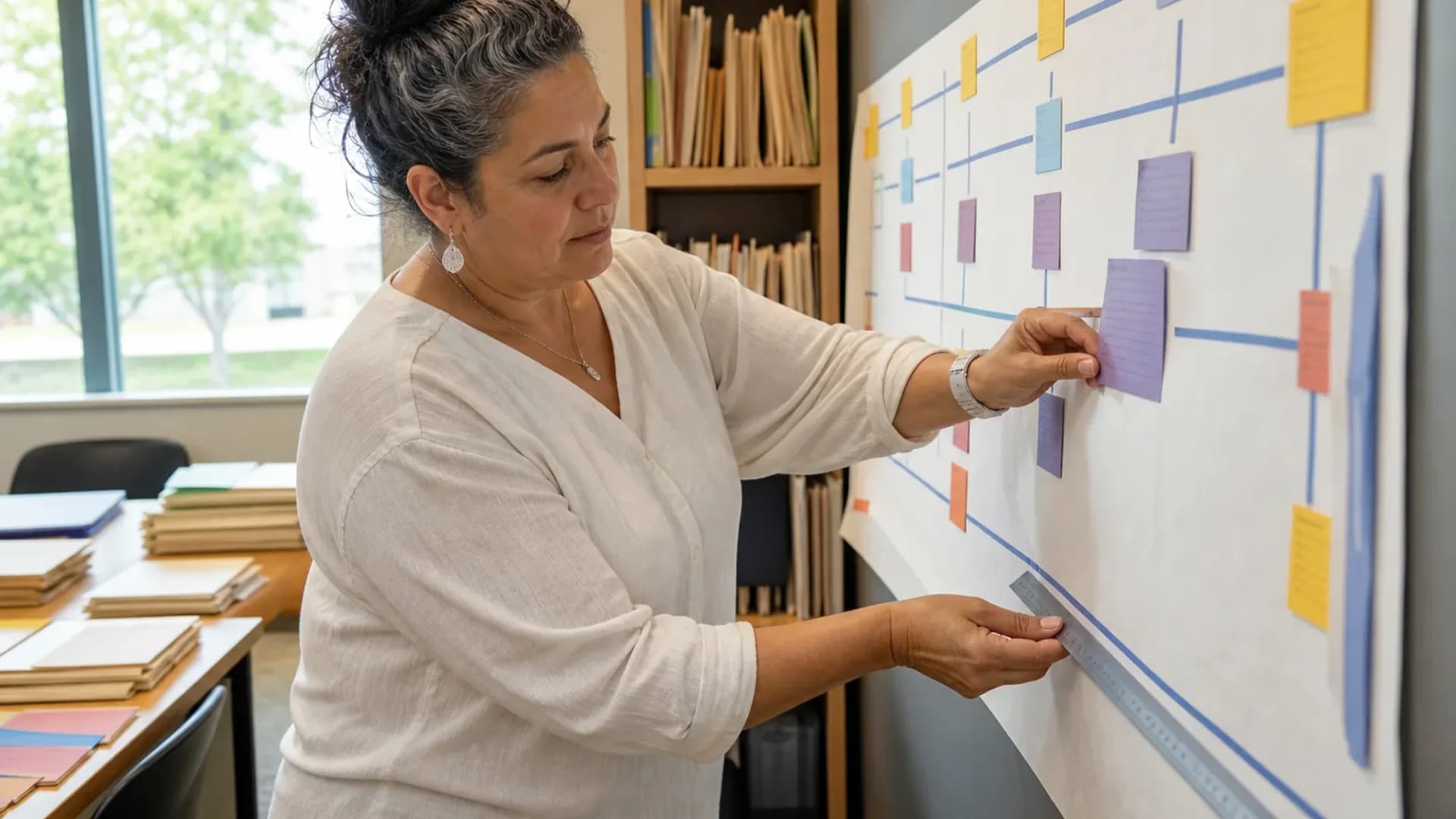
Turn a broad software question into a sequence your team can evaluate.
At a glance
Create a practical rollout artifact by choosing the school’s first workflow, owners, data dependencies, and readiness checks.
Use the linked product and documentation pages to validate the workflow against your school’s data, roles, policies, and deployment.
Read the supporting materialHow it works
A clear sequence makes ownership, exceptions, and the next system action visible.
Start with admissions, fees, attendance, exams, or parent adoption rather than selecting every module at once.
Assign the process owner, data owner, approver, and support contact.
Capture calendar, roster, permissions, communications, and export requirements.
Use the generated checklist in a kickoff or vendor demo and mark evidence as it arrives.
Practical artifact
Copy these checkpoints into a kickoff, vendor demo, or readiness review.
Build your copyable checklist
This tool stores nothing and is for planning only. Do not enter student or family data.
Product truth
Good school software copy should answer who owns the work, what the handoff produces, and which parts still depend on deployment decisions.
This page describes the supported workflow boundary. Confirm configuration, integrations, data, and policy requirements in a representative pilot before committing to production.
Deep dive
Use these details to turn a product page into an implementation conversation.
It turns a broad software project into a testable first workflow; it does not estimate a contract or guarantee implementation effort.
A useful plan names decisions and owners that can be verified in a pilot.
Evidence layer
Read the supporting product and implementation material before making a capability claim.
Straightforward answers for visitors evaluating the product.
The public planning experience can produce a lightweight checklist without exposing school data.
Test the answer with a representative record and role before making it part of a live term workflow. Capture the expected result and the exception path so the team can verify it after launch.
Yes, but capture campus differences explicitly before assuming one rollout sequence fits every school.
Confirm the campus scope and reporting boundary with a representative deployment before treating the capability as group-wide. Record which work remains local when the school group plans its rollout.
Continue exploring
Follow the next link based on the question your team needs to answer.

We can walk through the workflow with your school’s roles, calendar, data, and first-term priorities.
Already using Schoolyi? Sign in