
Go-live gate
A successful sign-in does not prove a rollout is safe; test least-privilege access, publishing, email, backups, and recovery.
For platform admins
Control accounts, roles, school settings, integrations, sessions, audit exports, and rollout readiness from one administration layer. See the workflow, ownership, rollout sequence, and boundaries before choosing a school management platform.

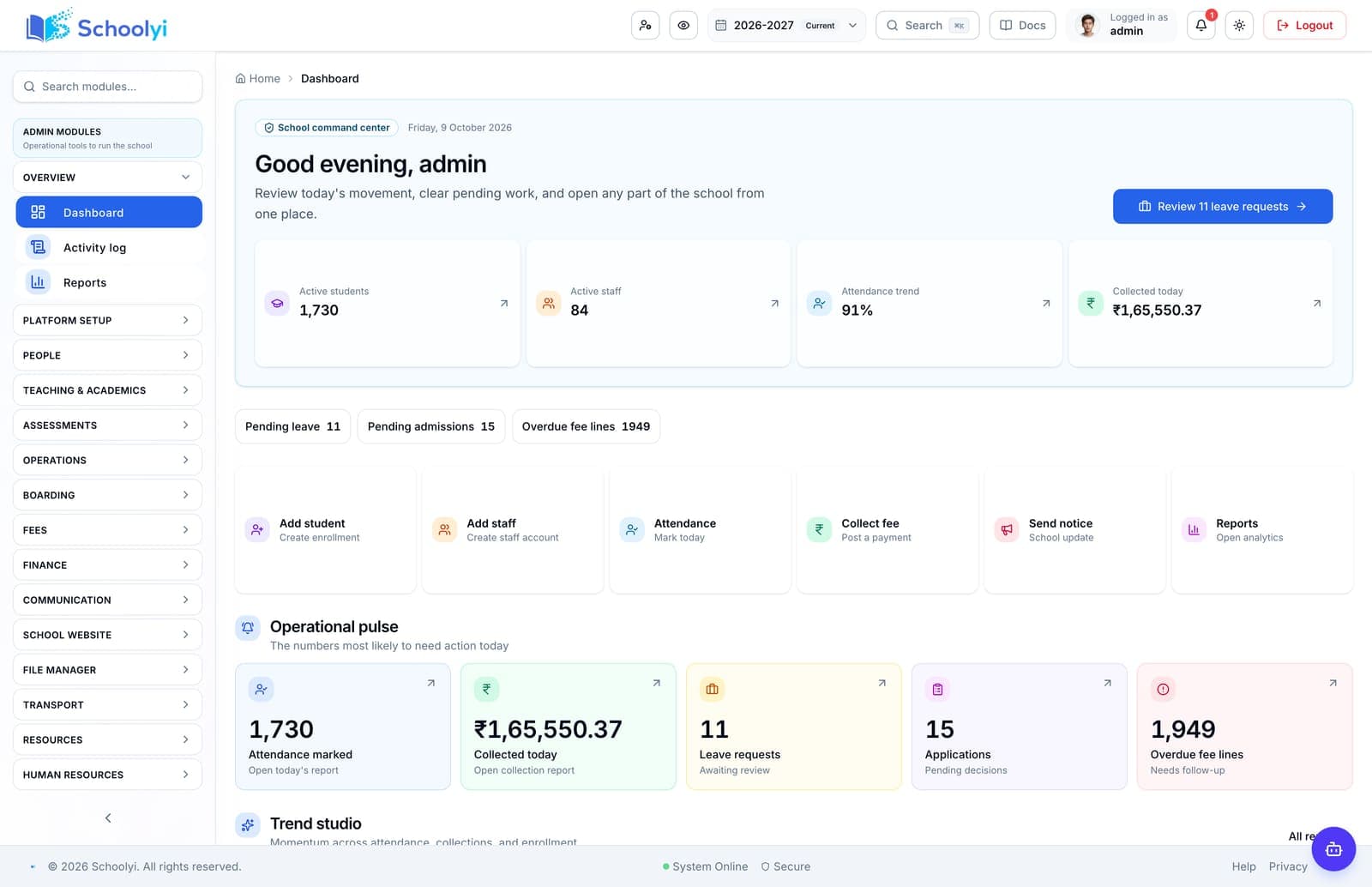
Dashboards, approvals, and cross-department visibility.
Product screenshots
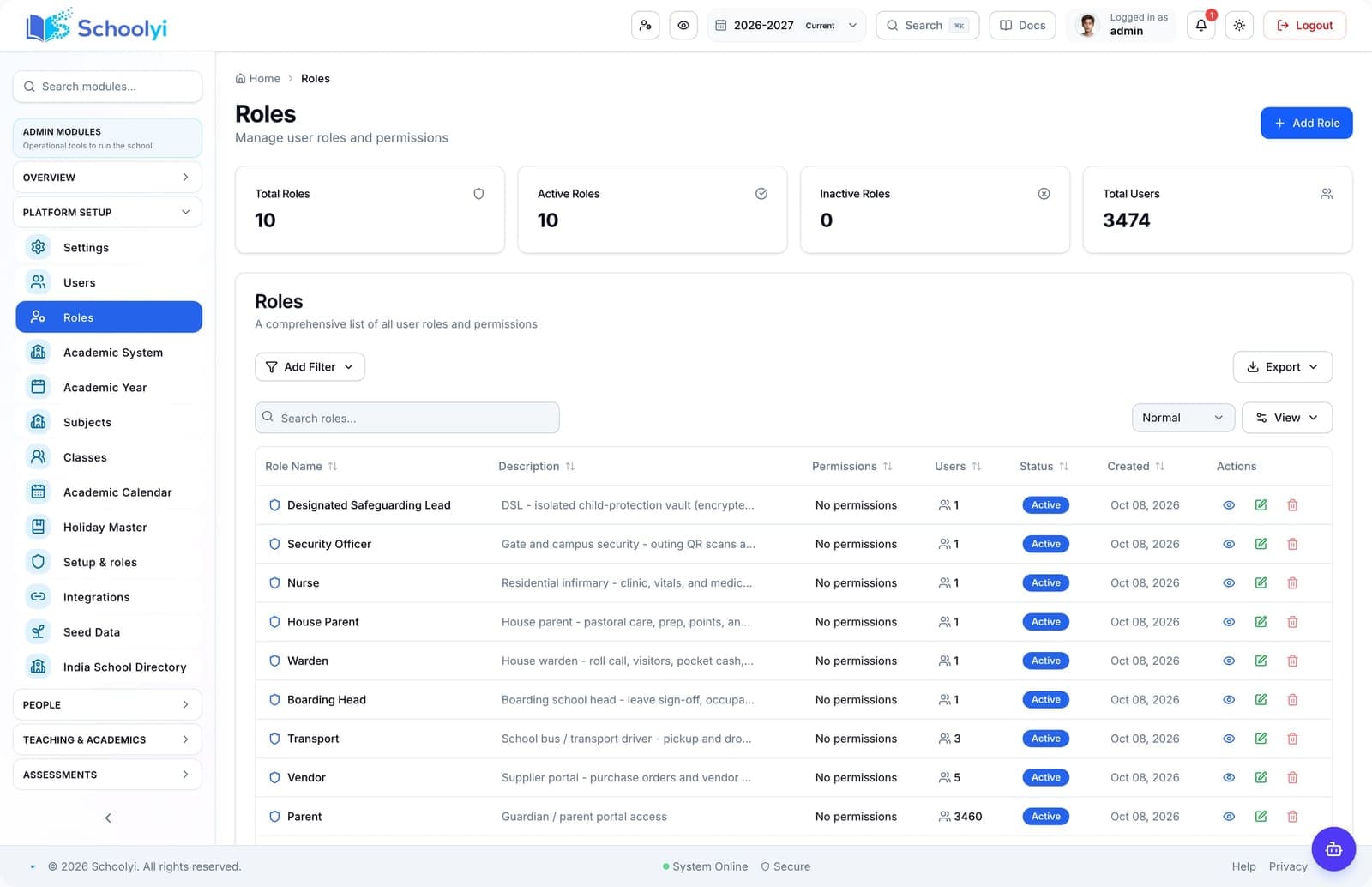
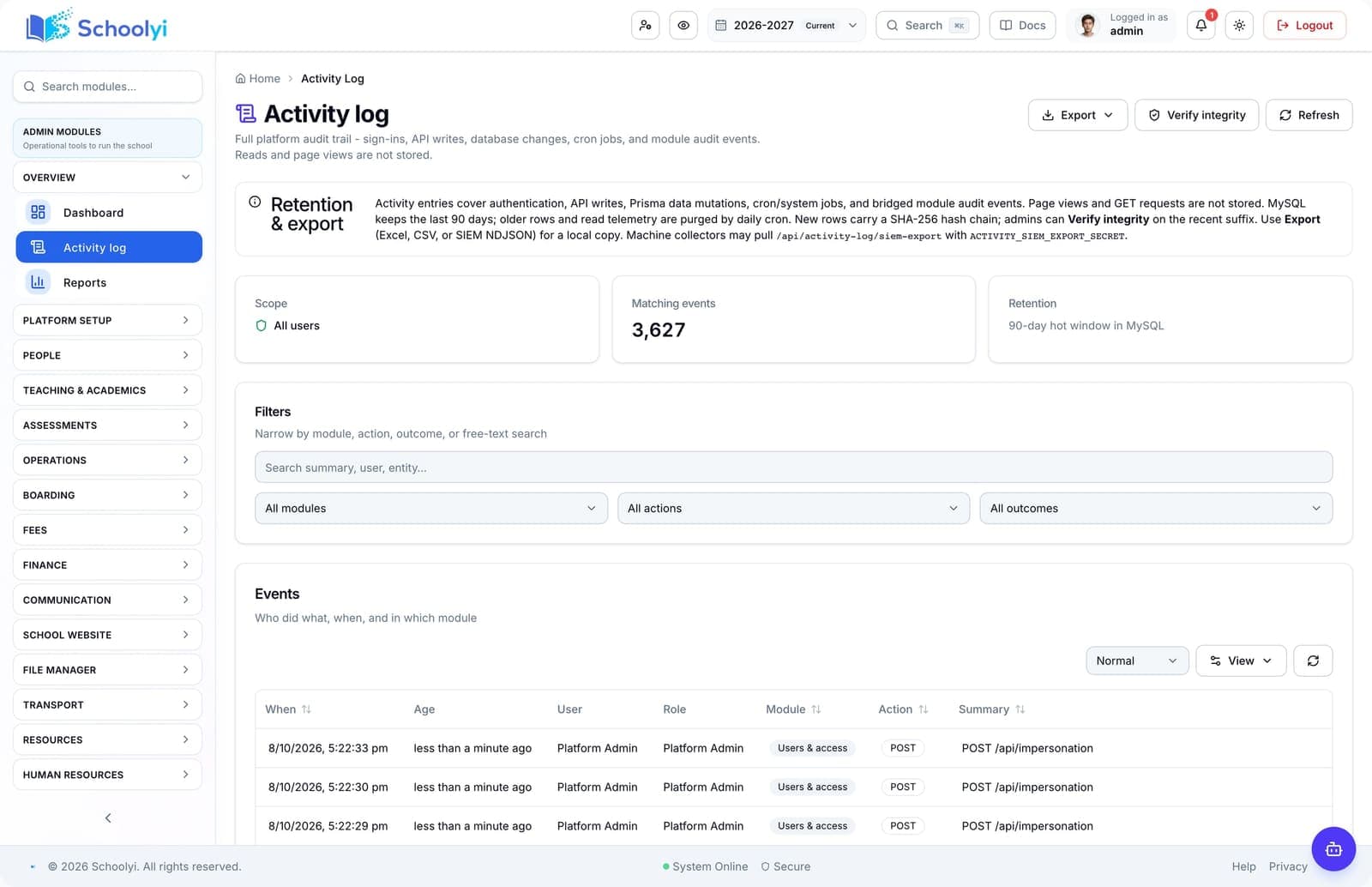
Captured from a demo school, at a size search engines can fetch. Open the module for the rest of the workflow.
At a glance
Control accounts, roles, school settings, integrations, sessions, audit exports, and rollout readiness from one administration layer.
Use the linked product and documentation pages to validate the workflow against your school’s data, roles, policies, and deployment.
Read the supporting materialHow it works
A clear sequence makes ownership, exceptions, and the next system action visible.
Map school responsibilities to role permissions before inviting staff.
Set school identity, academic structure, notifications, grading, and operational defaults.
Use representative staff and family accounts to verify route visibility and handoffs.
Review activity, deactivate leavers, export evidence, and maintain deployment runbooks.
Product truth
Good school software copy should answer who owns the work, what the handoff produces, and which parts still depend on deployment decisions.
This page describes the supported workflow boundary. Confirm configuration, integrations, data, and policy requirements in a representative pilot before committing to production.
Deep dive
Use these details to turn a product page into an implementation conversation.
A successful sign-in does not prove a rollout is safe; test least-privilege access, publishing, email, backups, and recovery.
AI help and integrations should be enabled with clear role, data, and infrastructure decisions.
Record the server owner, scheduled jobs, email and payment settings, backup arrangement, recovery owner, and role-review date before declaring administration ready.
Evidence layer
Read the supporting product and implementation material before making a capability claim.
Straightforward answers for visitors evaluating the product.
The platform uses role-based access; map local job titles to the available permission model during setup.
Record the responsible administrator and verify the control in the target deployment before production data is loaded. Keep the evidence with the school’s procurement or access-review record.
No. Sign-in uses credentials and parent or student magic links; schools requiring SSO or MFA should treat those requirements as unmet.
Treat that boundary as an explicit procurement or deployment decision. Document the responsible owner and any supporting process before rollout.
Continue exploring
Follow the next link based on the question your team needs to answer.
Schoolyi security architecture
Review authentication, role-based access, data boundaries, sessions, audit visibility, and operational controls before rollout.
Read the pageSchool data privacy and RBAC review
Review who can access student, family, finance, HR, and operational data before expanding the school platform.
Read the page
We can walk through the workflow with your school’s roles, calendar, data, and first-term priorities.
Already using Schoolyi? Sign in