
Operational value
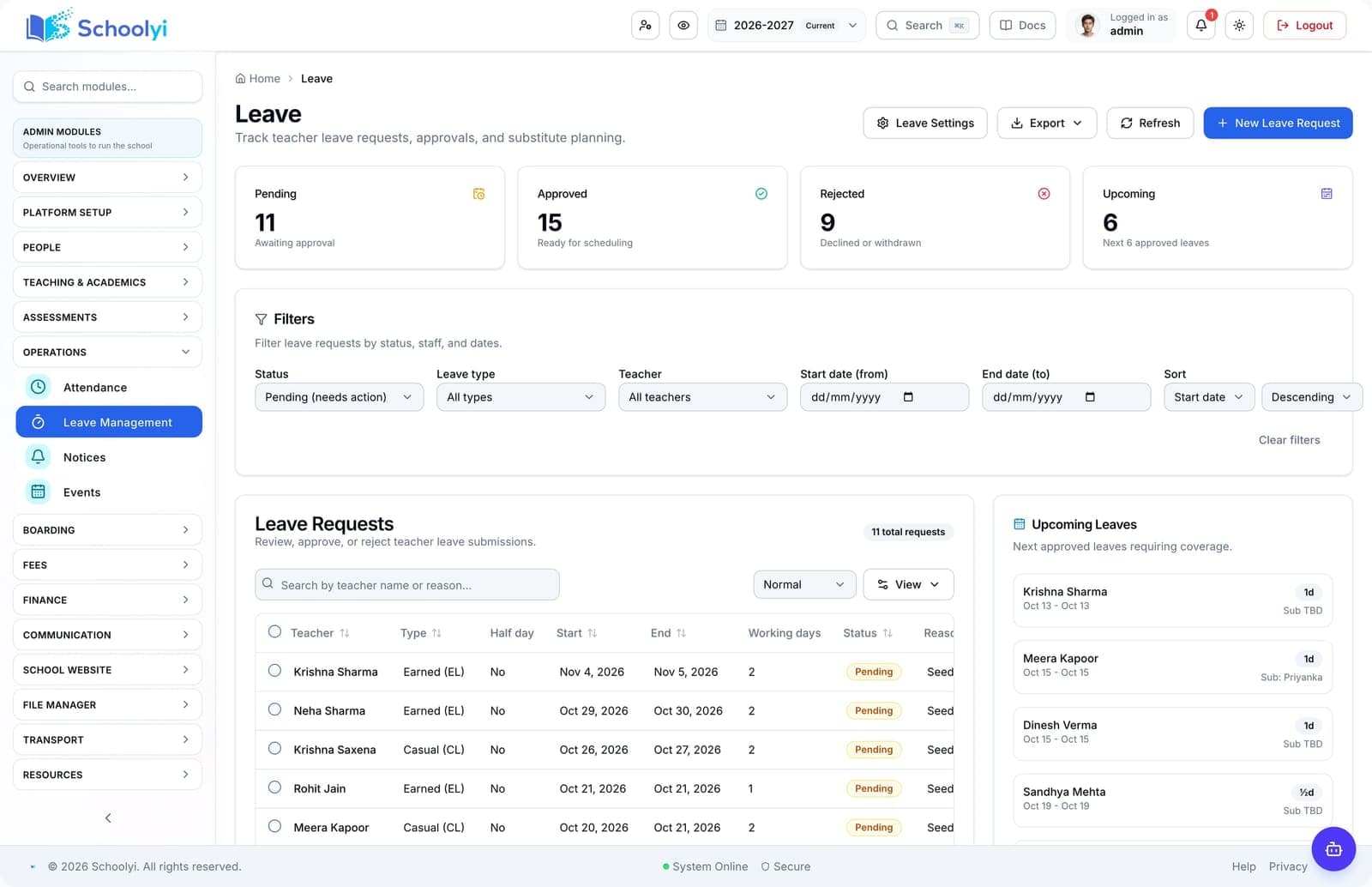
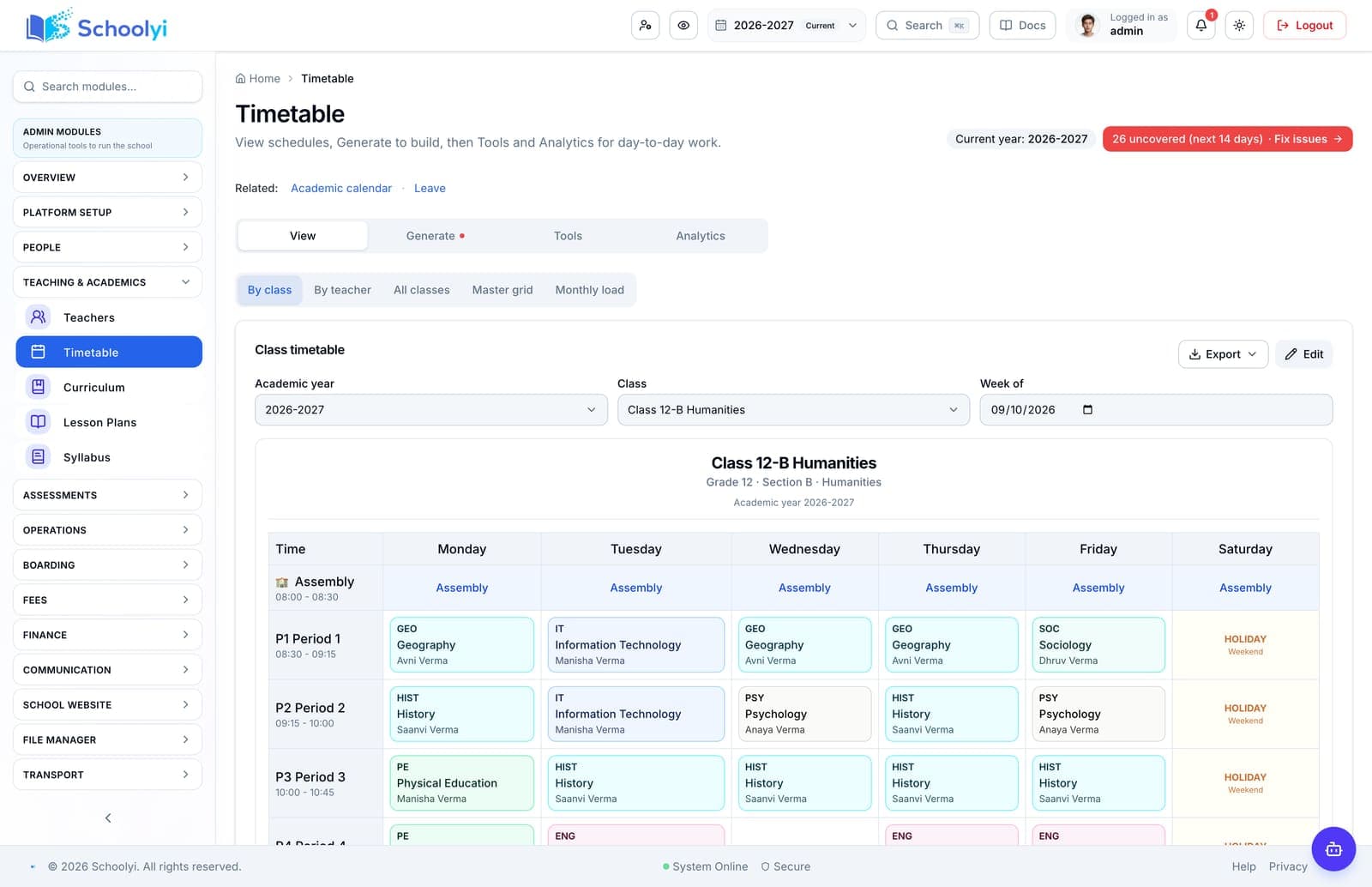
The important outcome is not another leave register; it is earlier visibility of the timetable impact.
Workflow journey
Connect staff leave requests to timetable context so coordinators can arrange substitute coverage before a class is uncovered. See the workflow, ownership, rollout sequence, and boundaries before choosing a school management platform.

One operating picture for academic, administrative, and family teams.
At a glance
Connect staff leave requests to timetable context so coordinators can arrange substitute coverage before a class is uncovered.
Use the linked product and documentation pages to validate the workflow against your school’s data, roles, policies, and deployment.
Read the supporting materialHow it works
A clear sequence makes ownership, exceptions, and the next system action visible.
A staff member submits dates, leave type, and reason through the role-scoped workspace.
Approvers review entitlement, balance, calendar conflicts, and teaching responsibility.
The manager records the decision with a visible leave history.
The timetable team assigns a substitute and shares the class context and materials.
Product truth
Good school software copy should answer who owns the work, what the handoff produces, and which parts still depend on deployment decisions.
This page describes the supported workflow boundary. Confirm configuration, integrations, data, and policy requirements in a representative pilot before committing to production.
Deep dive
Use these details to turn a product page into an implementation conversation.
The important outcome is not another leave register; it is earlier visibility of the timetable impact.
Agree who owns approval and substitute assignment because schools vary between HR, department heads, and academic offices.
Test a short absence, an overlapping request, an approver decision, and a timetable change so the cover owner knows which record is authoritative.
Evidence layer
Read the supporting product and implementation material before making a capability claim.
Straightforward answers for visitors evaluating the product.
The workflow surfaces the conflict and coverage need; schools should confirm the exact assignment policy during setup.
Assign a workflow owner and test it with a representative staff account before the busy part of the term. Verify that approvals, coverage details, and sensitive fields remain within the intended role.
They are related but distinct workflows with different approvers and records.
Assign a workflow owner and test it with a representative staff account before the busy part of the term. Verify that approvals, coverage details, and sensitive fields remain within the intended role.
No. It records the configured request and decision flow; entitlement rules, emergency cover, and attendance policy remain school responsibilities.
Treat that boundary as an explicit procurement or deployment decision. Document the responsible owner and any supporting process before rollout.
Continue exploring
Follow the next link based on the question your team needs to answer.

We can walk through the workflow with your school’s roles, calendar, data, and first-term priorities.
Already using Schoolyi? Sign in