
Short answer
A school often needs both relationship management before enrollment and a dependable information system after enrollment; the handoff matters more than the label.
Buyer comparison
Compare inquiry and enrollment pipelines with the student-record foundation that runs the rest of the school year. See the workflow, ownership, rollout sequence, and boundaries before choosing a school management platform.
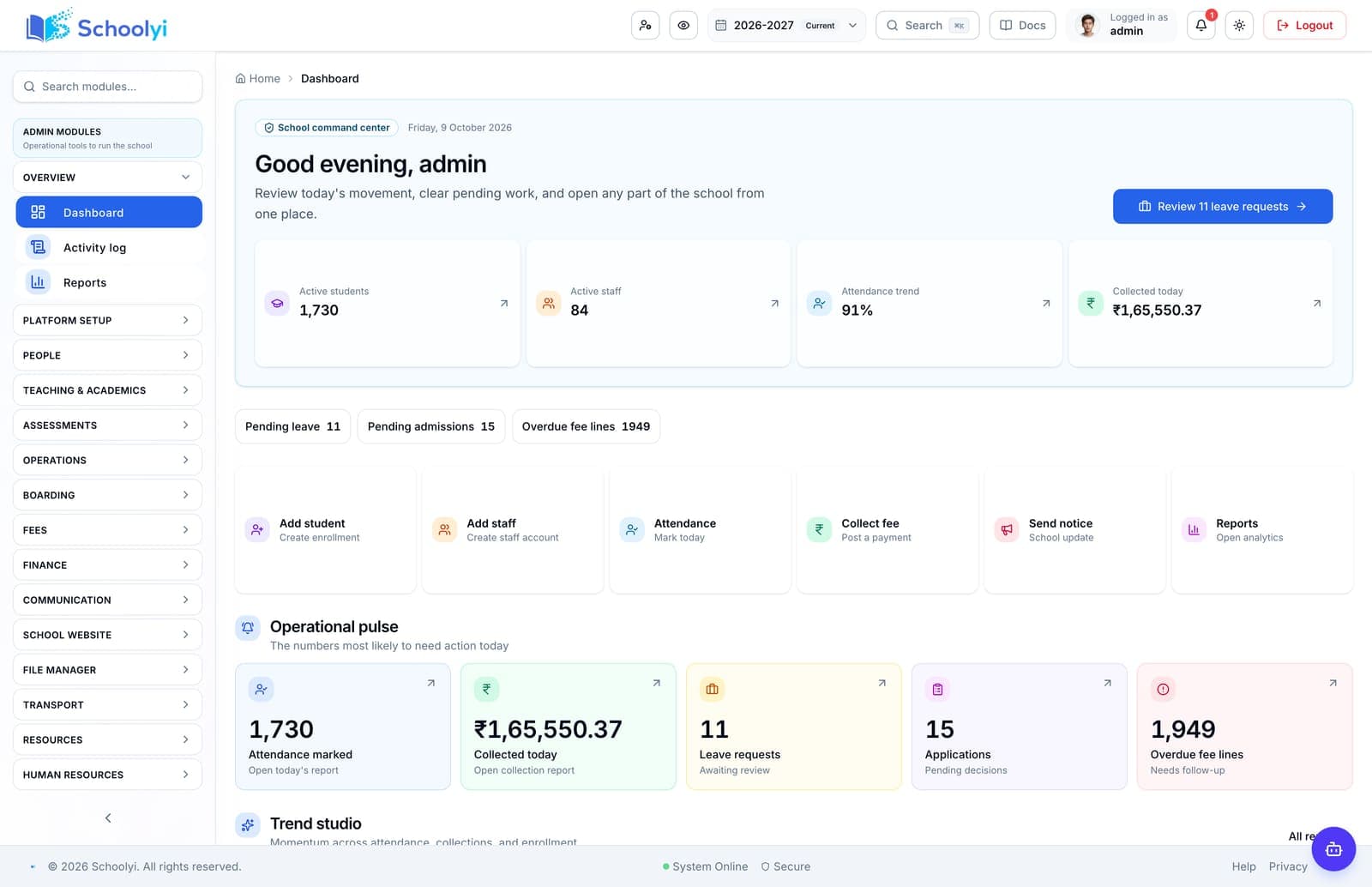
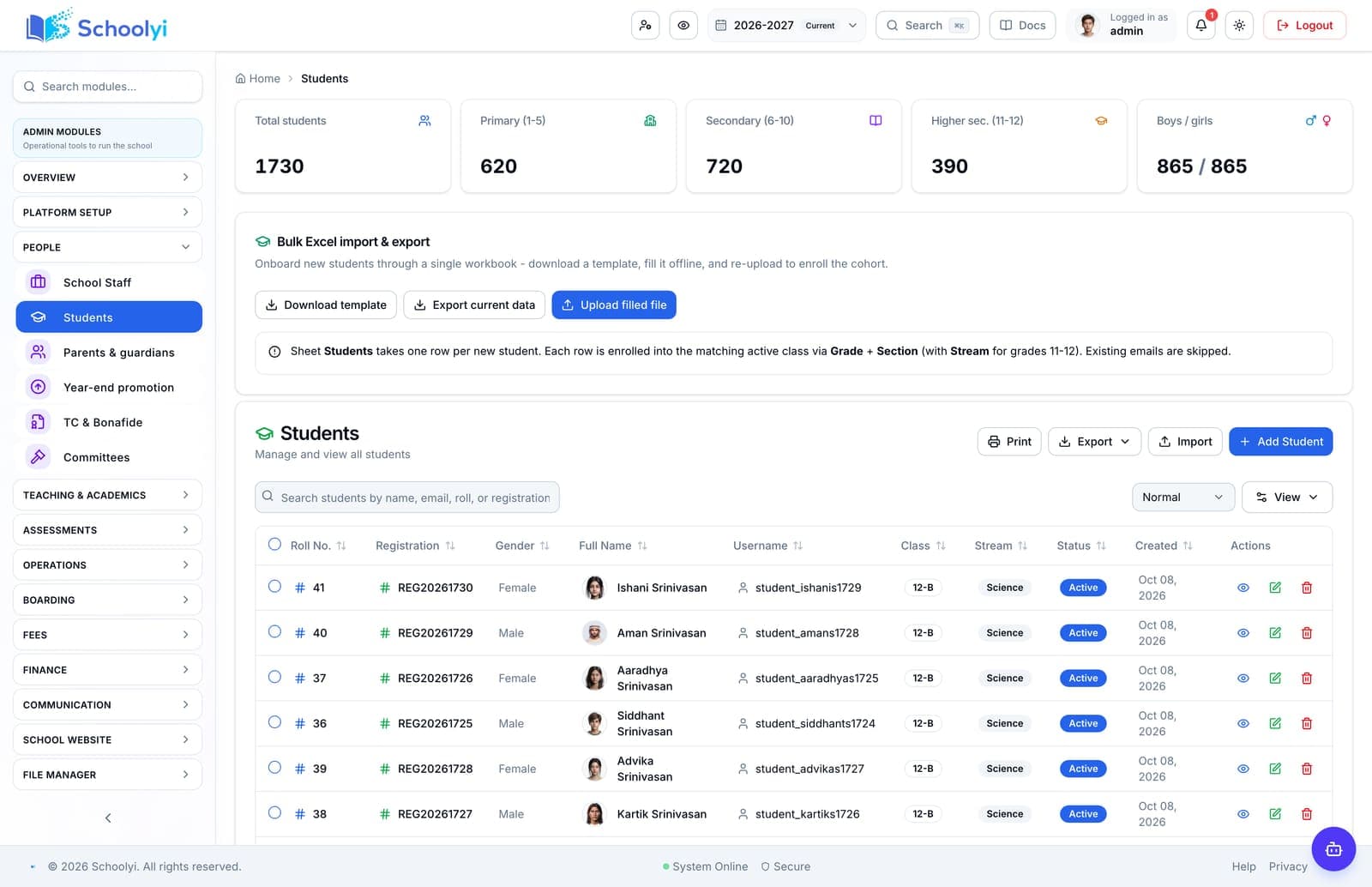
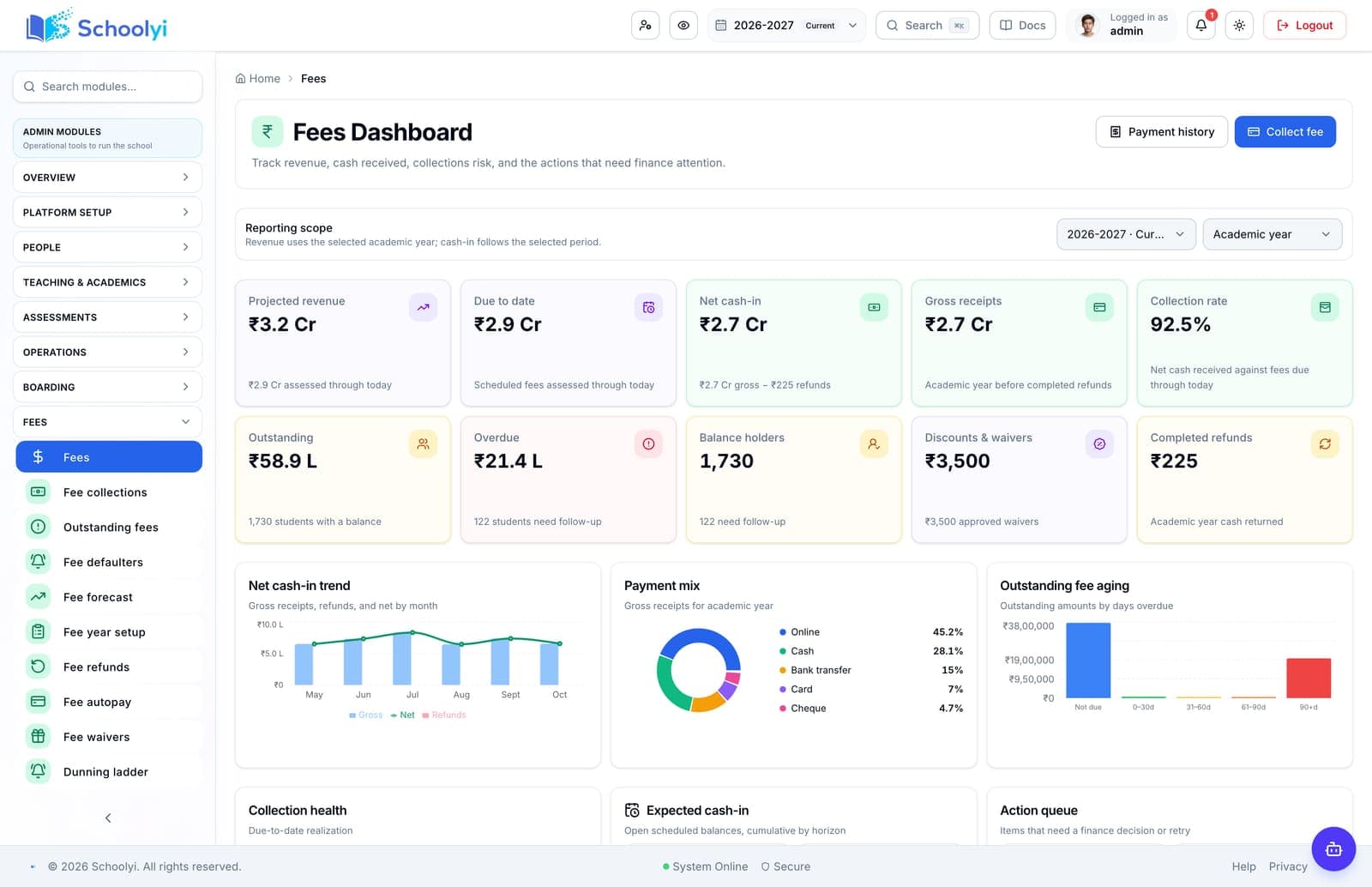
Product screenshots
Captured from a demo school, at a size search engines can fetch. Open the module for the rest of the workflow.
At a glance
Compare inquiry and enrollment pipelines with the student-record foundation that runs the rest of the school year.
Use the linked product and documentation pages to validate the workflow against your school’s data, roles, policies, and deployment.
Read the supporting materialHow it works
A clear sequence makes ownership, exceptions, and the next system action visible.
CRM thinking begins with inquiry and relationship history; SIS thinking begins with authoritative student records.
Ask whether an accepted application becomes the same record used by fees, classes, and portals.
Separate admissions permissions from registrar and academic permissions.
Prefer connected workflows when the school needs both pipeline and ongoing student operations.
Evaluation framework
A fair comparison tests operating foundations before it scores optional features.
This is a category-level buying guide, not a claim about a named competitor. Confirm current capabilities, pricing, integrations, and support commitments in a dated vendor demonstration and proposal.
| Checkpoint | Question to ask |
|---|---|
| Data ownership | Which team owns the authoritative record? |
| Calendar model | Do dates and working days flow through every workflow? |
| Permissions | Can each role view and publish only what it owns? |
| Rollout evidence | What can the vendor demonstrate with your real handoffs? |
Product truth
Good school software copy should answer who owns the work, what the handoff produces, and which parts still depend on deployment decisions.
This page describes the supported workflow boundary. Confirm configuration, integrations, data, and policy requirements in a representative pilot before committing to production.
Deep dive
Use these details to turn a product page into an implementation conversation.
A school often needs both relationship management before enrollment and a dependable information system after enrollment; the handoff matters more than the label.
Request one uninterrupted walkthrough from public application to enrolled student and parent invite.
Evidence layer
Read the supporting product and implementation material before making a capability claim.
Straightforward answers for visitors evaluating the product.
Some can. Verify public apply, review states, communication, and enrollment handoff rather than assuming from the product category.
Pilot one record through application, review, decision, and handoff so the public status and staff queue remain aligned. Include an incomplete-document or declined-offer case before opening the workflow to every intake.
Not automatically. Student identity, class history, fees, grades, and permissions need an operational record model.
Record the responsible administrator and verify the control in the target deployment before production data is loaded. Keep the evidence with the school’s procurement or access-review record.
Continue exploring
Follow the next link based on the question your team needs to answer.

We can walk through the workflow with your school’s roles, calendar, data, and first-term priorities.
Already using Schoolyi? Sign in