
Product screenshots
Look at the records, then compare the vendors
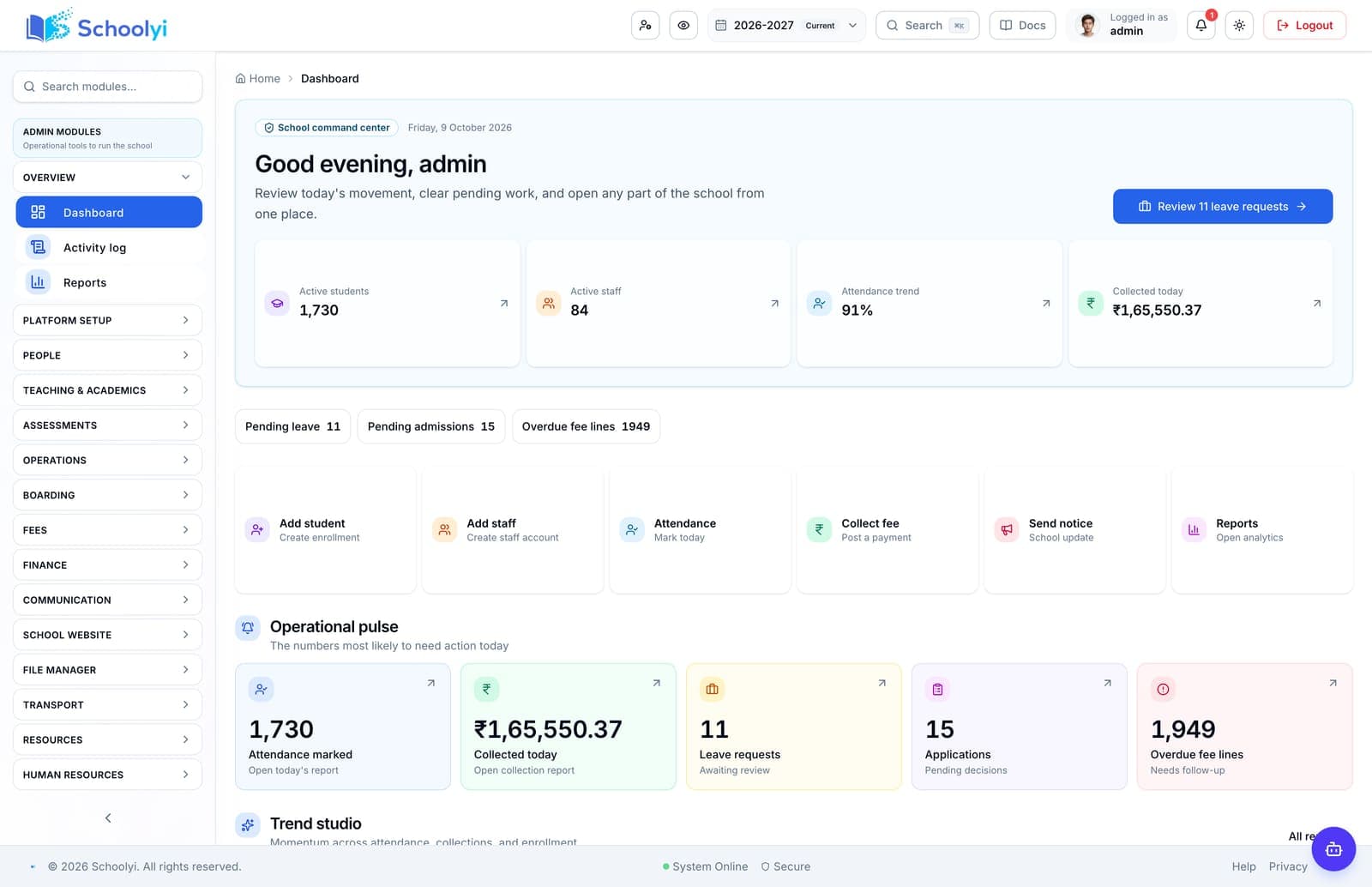
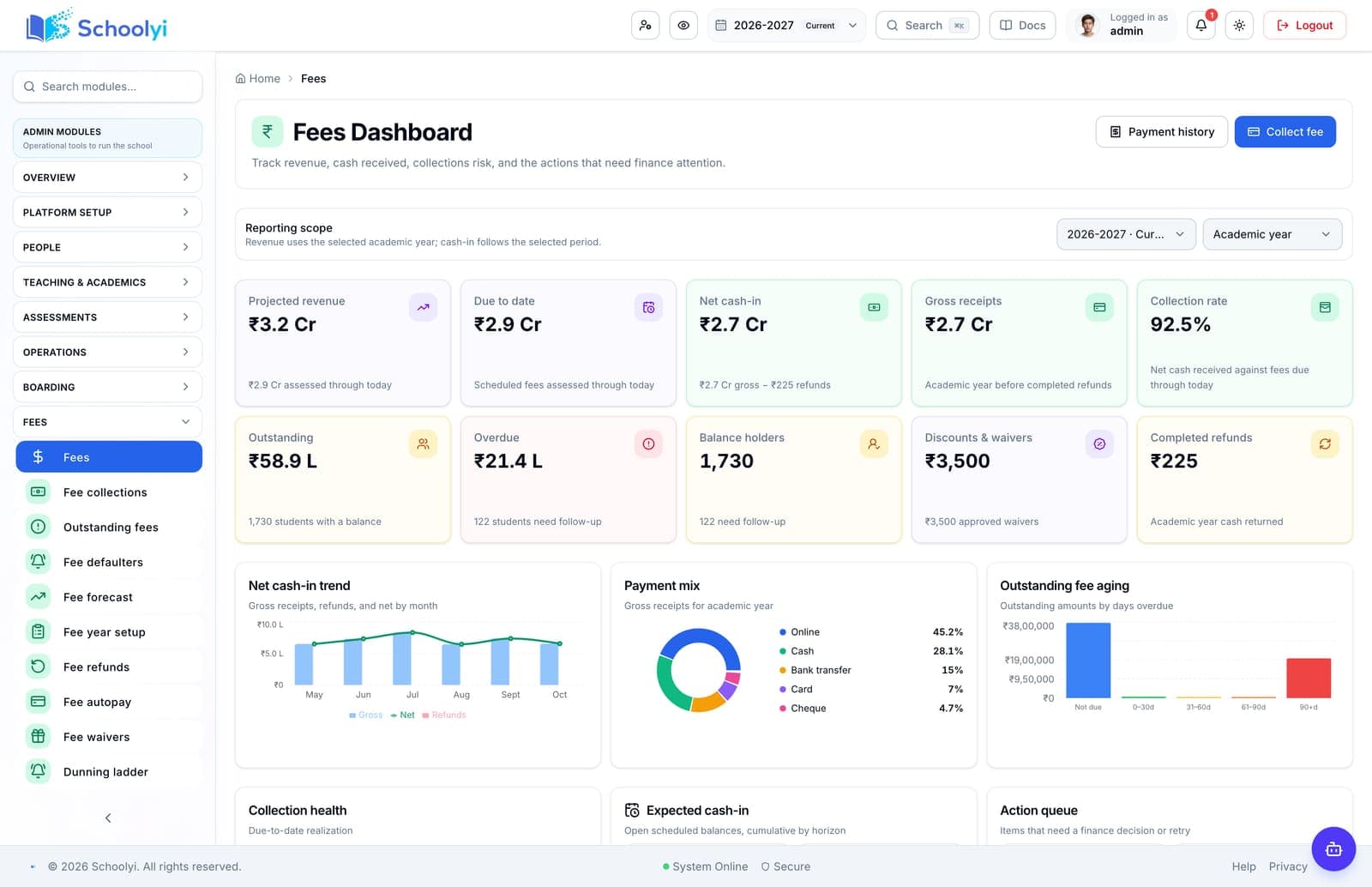
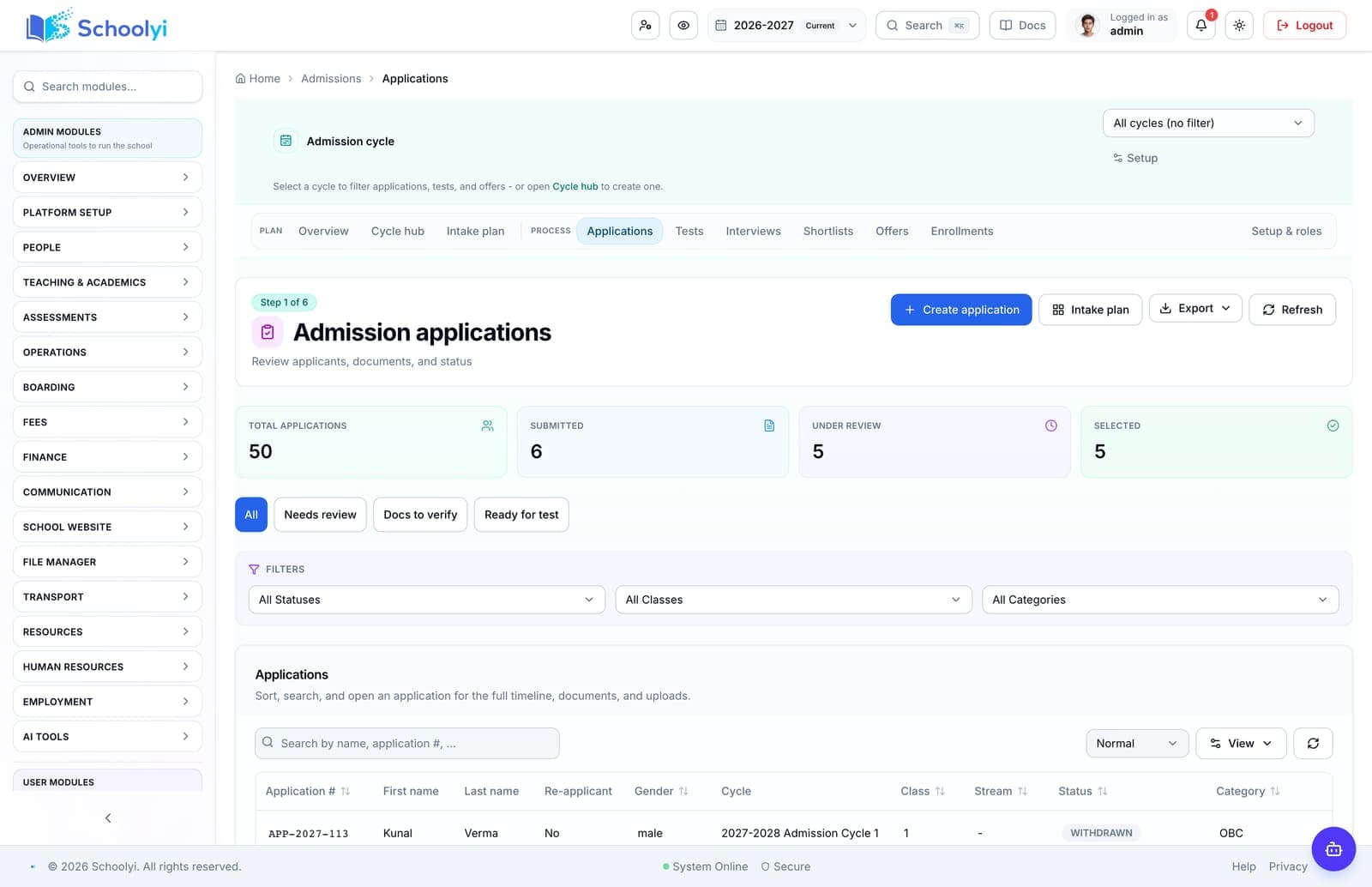
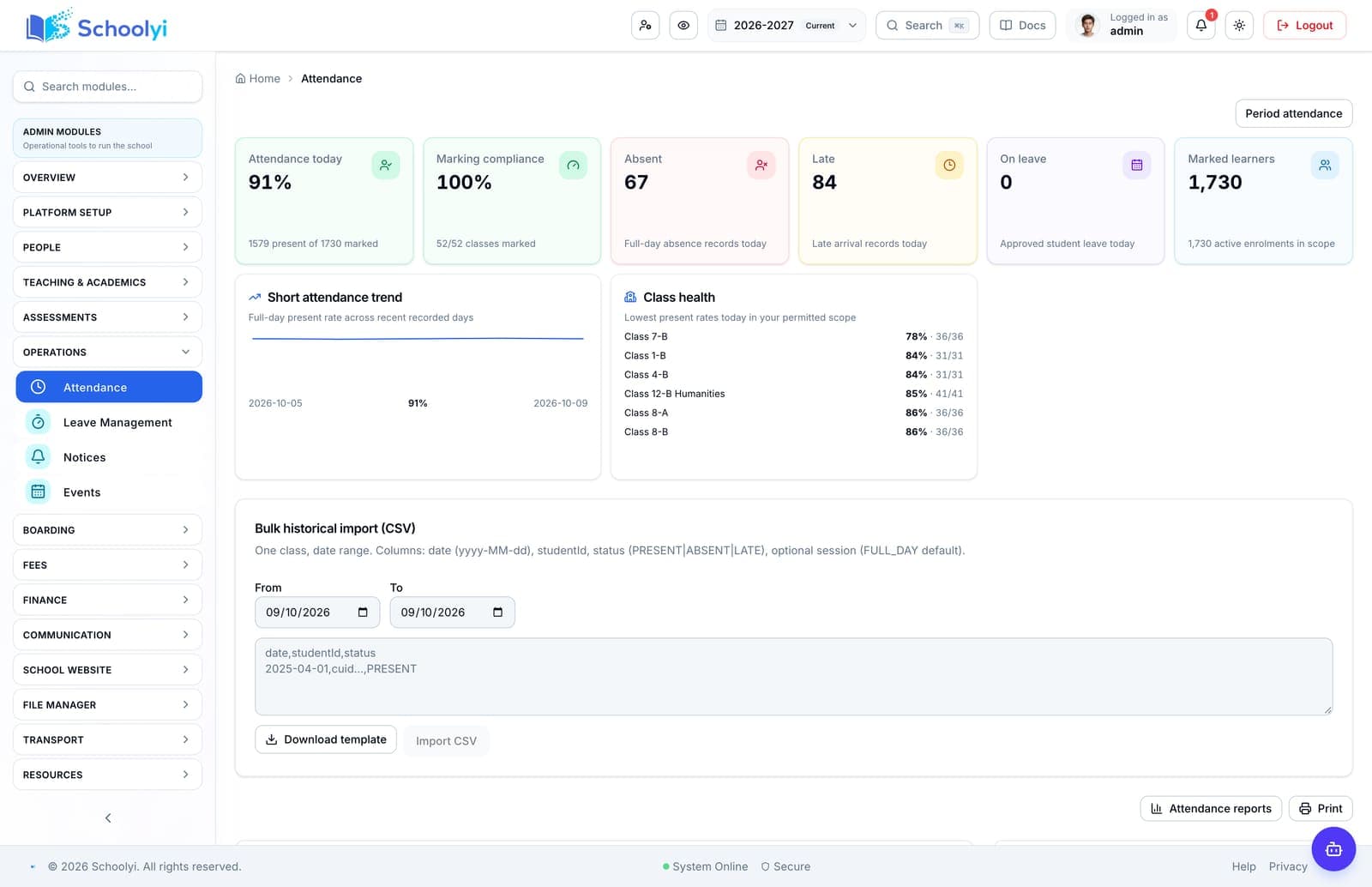
Command center, fees, admissions, and attendance from a Schoolyi demo school.
Buyer comparisons
Compare workflows, not brochure checkboxes
Use practical questions about student identity, academic calendars, fees, publishing, family access, security, and implementation before choosing a platform.

Choose a question
Start with the page closest to your decision
Each page includes workflow steps, responsible teams, implementation detail, boundaries, evidence links, and FAQs.
Connected records
Check whether admissions, roster, fees, attendance, and reports use the same student identity.
Real rollout fit
Compare data migration, permissions, training, support, and what the vendor can launch in phase one.
Family experience
Test the parent portal, receipts, attendance, grades, notifications, and mobile experience, not only admin screens.
Available now
School CRM vs SIS
Compare inquiry and enrollment pipelines with the student-record foundation that runs the rest of the school year.
Read the pageValidate for rollout
School ERP vs SIS
Understand where finance, HR, and procurement meet student records, academic workflows, and family-facing operations.
Read the pageAvailable now
Spreadsheets vs Schoolyi for school operations
Compare flexible sheets with a role-scoped system that keeps calendar, roster, approvals, and publication rules connected.
Read the pageValidate for rollout
Generic ERP vs school platform
Compare generic finance-first ERP implementation with a school platform built around academic years, rosters, families, and publishing.
Read the pageValidate for rollout
Fee-only tools vs a connected school SMS
Decide whether fee collection alone is enough or whether finance should share student, family, calendar, and reporting context.
Read the pageAvailable now
Build vs buy school software
Use a practical decision framework for building custom school workflows versus adopting and configuring a maintained platform.
Read the page
Named platforms
Specific vendors, from their own published pages
Every claim on these pages cites the vendor page it came from and the date it was read. Each one names the schools that vendor is the right choice for, including where that is not us.
Schoolyi vs PowerSchool
K-12 Connected Operating System for school districts
PowerSchool alternativeSchoolyi vs Fedena
Multipurpose school and college management ERP
Fedena alternativeSchoolyi vs Classe365
Student management system for schools and higher education
Classe365 alternativeSchoolyi vs OpenEduCat
Open source education ERP, cloud or on-premise
OpenEduCat alternativeSchoolyi vs Gradelink
School administration software for private and small schools
Gradelink alternative
How to use this directory
Guidance before you pick a page
Read this first if you are not sure which page answers your question.
Compare the work, not the feature list
Feature grids make every school platform look similar because almost every vendor can claim admissions, fees, attendance, and reporting. The differences appear one level down: whether those modules share a single student record, whether a fee adjustment flows into the receipt a parent sees, and whether a timetable change reaches the attendance register the same morning.
Each comparison page in this directory is written around one of those seams. Start with the seam that has caused the most manual work in your school over the last two terms, because that is where a platform change either pays for itself or repeats the same problem in a new interface.
Bring your own scenario to every demo
A vendor demo shows the happy path. Comparisons only become useful when you supply the awkward case: the mid-term transfer, the sibling discount applied after invoicing, the substitute teacher covering two sections, the exam re-mark that changes a published report card.
Write down three such cases before you read these pages, then use each page to turn them into questions you can ask on a call. If a platform cannot describe who does the work and which records change, the feature exists on a slide rather than in a workflow.
Weight implementation as heavily as capability
Most failed school software projects were not lost on capability. They were lost on data migration quality, permission design, staff training time, and the support model in the first term after go-live. Two platforms with identical feature sets can differ by a full term in time to useful.
Treat migration scope, sandbox availability, and named support during your first fee cycle and first exam cycle as comparison criteria with the same weight as any module.
Questions about this directory
How to use these pages during an evaluation, and what they deliberately do not claim.
How should we shortlist school management platforms?+
Start from the two or three workflows that currently cost your team the most manual reconciliation, usually fee collection, attendance, or report cards. Shortlist on how well each platform handles those end to end, including who does each step, rather than on total feature count. Three platforms evaluated against real scenarios produces a better decision than eight evaluated against a checklist.
Before the first collection cycle, reconcile one paid, partially paid, and overdue student account so the family receipt and finance view agree. Keep any tax, gateway, refund, or accounting boundary as an explicit deployment decision.
What should we ask that vendors do not volunteer?+
Ask what happens to historical data that does not match the new structure, how permissions are configured for staff who hold two roles, what the platform does when a published result is corrected, and what support looks like during your first fee cycle. These answers separate platforms far more reliably than module lists.
Record the responsible administrator and verify the control in the target deployment before production data is loaded. Keep the evidence with the school’s procurement or access-review record.
Do these comparison pages rank Schoolyi above alternatives?+
No. These pages set out the questions and trade-offs for a category of decision, and state where Schoolyi is a poor fit as well as where it fits well. If your requirement is outside what Schoolyi does today, the honest answer saves both sides an implementation failure.
Treat that boundary as an explicit procurement or deployment decision. Document the responsible owner and any supporting process before rollout.
How long should a school software evaluation take?+
Plan six to twelve weeks for a school of moderate size: two weeks scoping current workflows, three to four weeks of scenario-based demos with a shortlist, two weeks on data readiness and references, and the remainder on commercial and security review. Compressing below that usually moves the cost into the implementation phase rather than removing it.
Record the responsible administrator and verify the control in the target deployment before production data is loaded. Keep the evidence with the school’s procurement or access-review record.
Should we compare on price per student?+
Price per student is useful for budgeting and misleading for comparison, because it excludes migration effort, training days, integration work, and the staff time absorbed by workarounds. Compare total first-year cost including your own team hours, then compare recurring cost separately.
Validate credentials, permissions, and failure handling in a non-production environment before connecting live school records. Assign an owner for monitoring the handoff after launch.

Need help choosing the first page?
Bring your school’s workflow, roles, and first-term priorities to a focused walkthrough.
Already using Schoolyi? Sign in