
Privacy note
The public tool should collect planning choices only; never paste student names, email addresses, or balances into a public form.
Free planning tool
Generate a migration checklist for student, guardian, staff, class, fee, and vendor data with reconciliation owners. See the workflow, ownership, rollout sequence, and boundaries before choosing a school management platform.
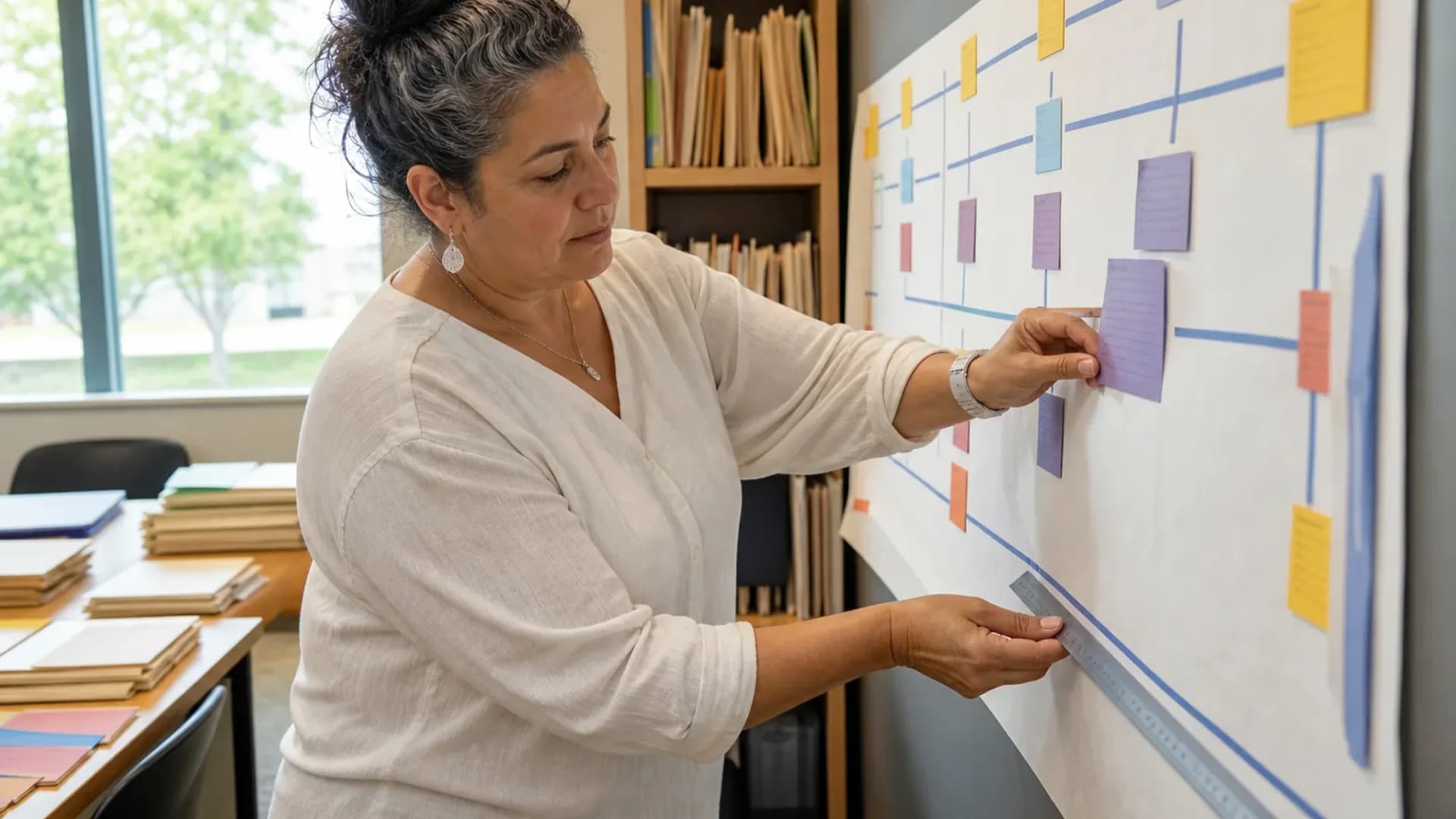
Turn a broad software question into a sequence your team can evaluate.
At a glance
Generate a migration checklist for student, guardian, staff, class, fee, and vendor data with reconciliation owners.
Use the linked product and documentation pages to validate the workflow against your school’s data, roles, policies, and deployment.
Read the supporting materialHow it works
A clear sequence makes ownership, exceptions, and the next system action visible.
Choose which people, academic, finance, and operational records are in scope.
Give each record family a domain owner who can approve meaning and completeness.
Choose a representative class, family, fee cycle, and staff group for the first import.
Download or copy the checklist into the implementation project and track exceptions.
Practical artifact
Copy these checkpoints into a kickoff, vendor demo, or readiness review.
Build your copyable checklist
This tool stores nothing and is for planning only. Do not enter student or family data.
Product truth
Good school software copy should answer who owns the work, what the handoff produces, and which parts still depend on deployment decisions.
This page describes the supported workflow boundary. Confirm configuration, integrations, data, and policy requirements in a representative pilot before committing to production.
Deep dive
Use these details to turn a product page into an implementation conversation.
The public tool should collect planning choices only; never paste student names, email addresses, or balances into a public form.
Pair the output with the detailed migration guide and a sample reconciliation report.
Evidence layer
Read the supporting product and implementation material before making a capability claim.
Straightforward answers for visitors evaluating the product.
No. It creates a planning artifact; actual import and reconciliation happen in the controlled deployment.
Treat that boundary as an explicit procurement or deployment decision. Document the responsible owner and any supporting process before rollout.
Define authoritative identities and owners before mapping columns or loading records.
Test the answer with a representative record and role before making it part of a live term workflow. Capture the expected result and the exception path so the team can verify it after launch.
Continue exploring
Follow the next link based on the question your team needs to answer.
Academic-year rollover checklist
Prepare a year-end and new-year smoke test covering calendar, promotion, timetable, attendance, fees, exams, and portals.
Read the pageAdmissions to enrollment
Move an applicant from public application through review, offer acceptance, and live student enrollment without retyping the record.
Read the page
We can walk through the workflow with your school’s roles, calendar, data, and first-term priorities.
Already using Schoolyi? Sign in