
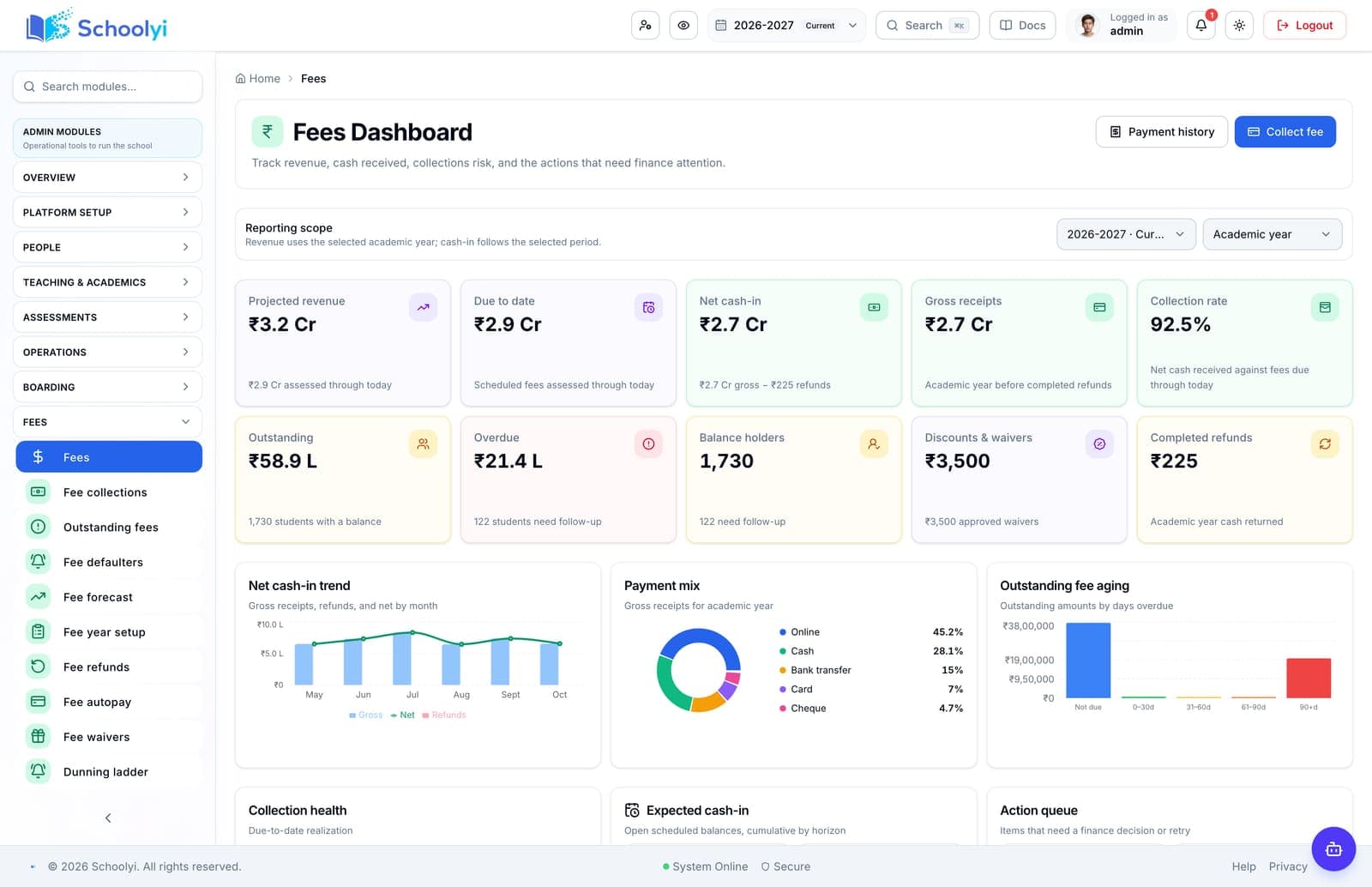
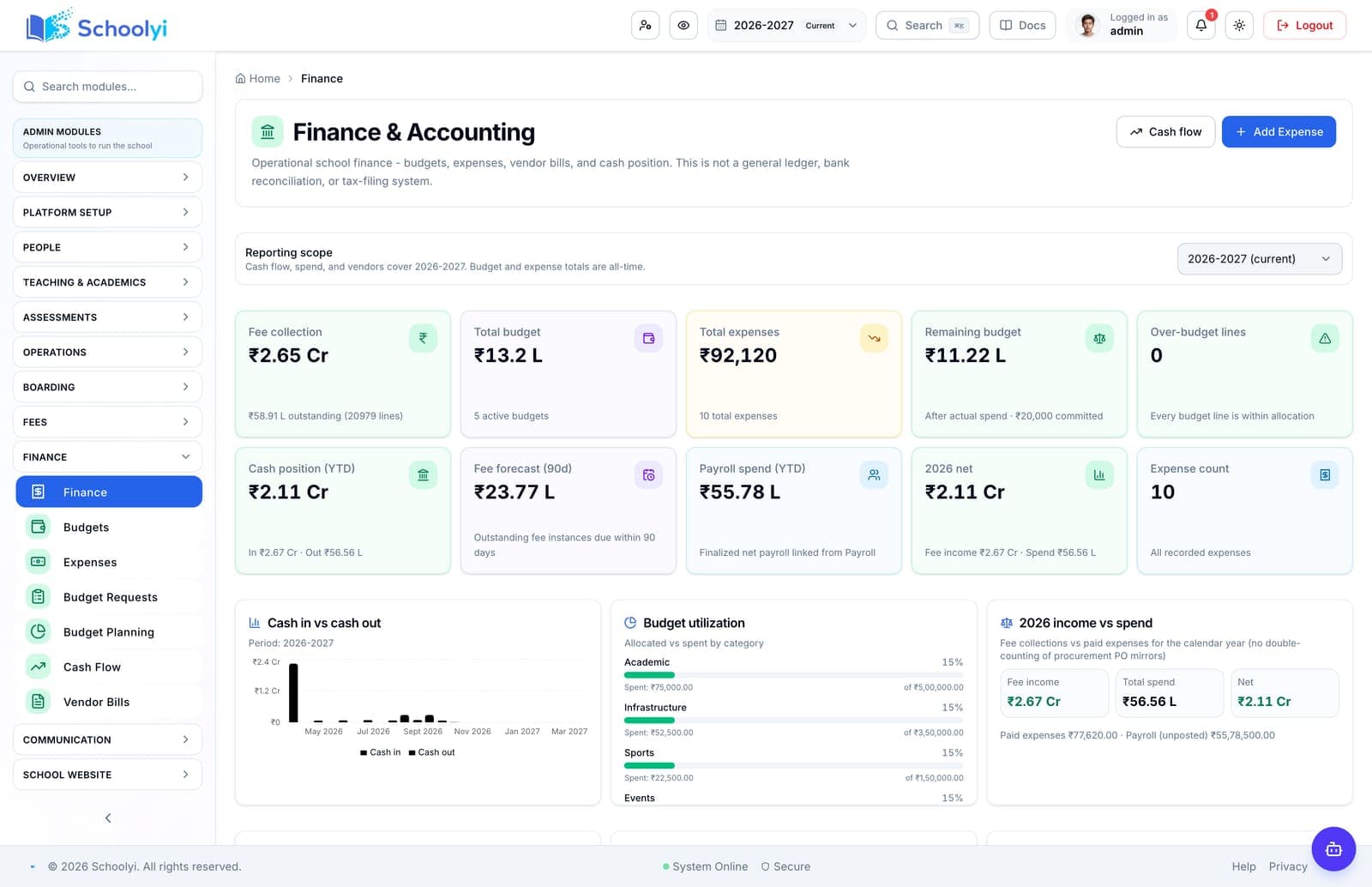
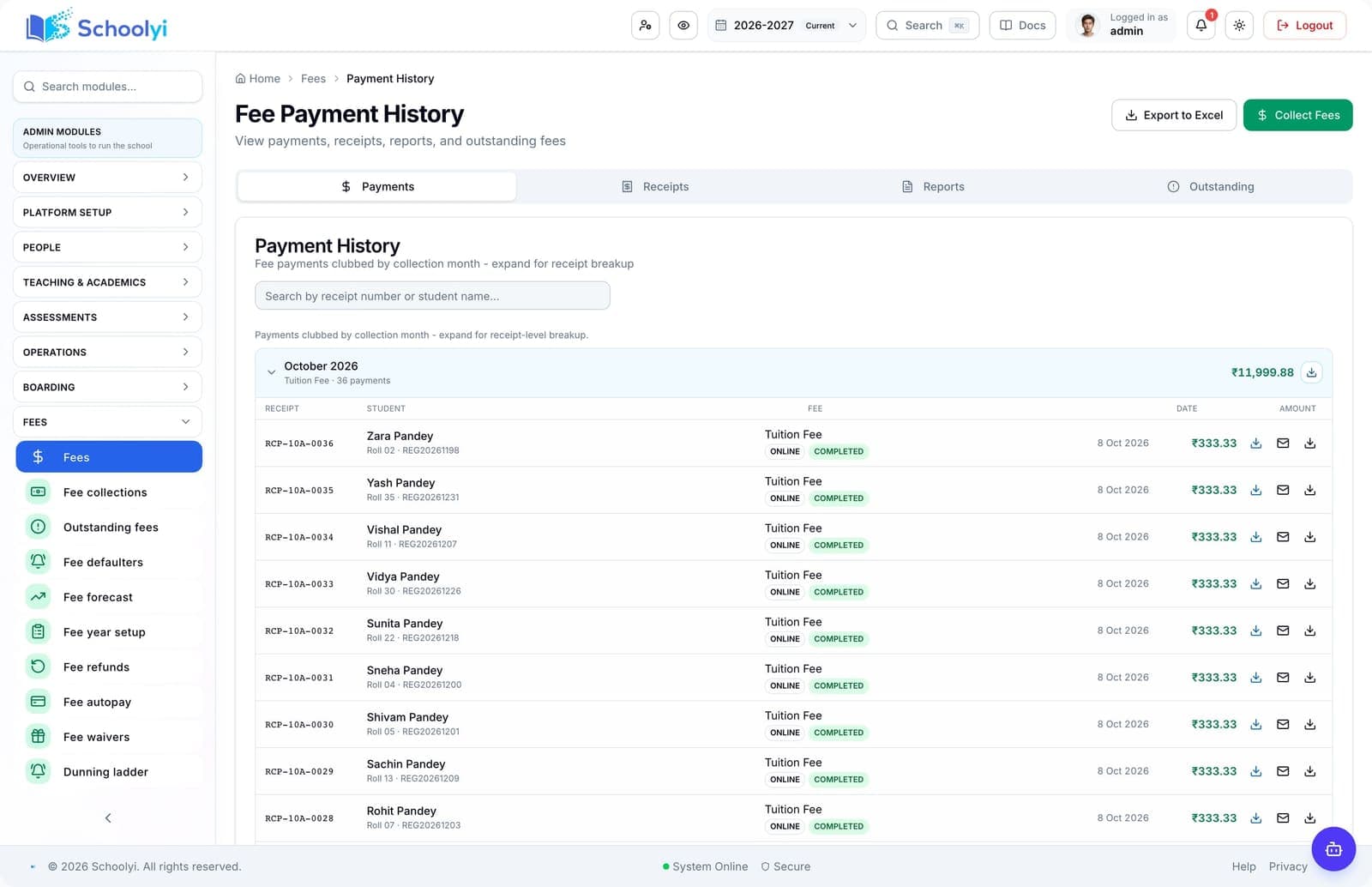
One family view
Guardians can switch between linked children while finance retains student-level fee lines and payment history.
Workflow journey
Configure fee structures, generate installments, collect online or counter payments, and give families a receipt that finance can reconcile. See the workflow, ownership, rollout sequence, and boundaries before choosing a school management platform.

One operating picture for academic, administrative, and family teams.
Product screenshots
Captured from a demo school, at a size search engines can fetch. Open the module for the rest of the workflow.
At a glance
Configure fee structures, generate installments, collect online or counter payments, and give families a receipt that finance can reconcile.
Use the linked product and documentation pages to validate the workflow against your school’s data, roles, policies, and deployment.
Read the supporting materialHow it works
A clear sequence makes ownership, exceptions, and the next system action visible.
Define fee heads, class rules, concessions, tax settings, and installment dates.
Create fee instances for the active academic year and review exceptions before publishing.
Families pay online or through the office while finance monitors outstanding balances.
A PDF receipt and ledger entry close the loop for the family and the bursar.
Product truth
Good school software copy should answer who owns the work, what the handoff produces, and which parts still depend on deployment decisions.
This page describes the supported workflow boundary. Confirm configuration, integrations, data, and policy requirements in a representative pilot before committing to production.
Deep dive
Use these details to turn a product page into an implementation conversation.
Guardians can switch between linked children while finance retains student-level fee lines and payment history.
Gateway, SMTP, tax, and scheduled dunning settings require deployment-specific validation before go-live.
Evidence layer
Read the supporting product and implementation material before making a capability claim.
Straightforward answers for visitors evaluating the product.
Yes. The parent dashboard can show linked children while balances remain separated by student.
Test the guardian link and publication boundary with a sample family before inviting the wider parent community. Confirm that each linked child exposes only the records the school intends.
The workflow provides payment history and receipt output for the same fee instance the family paid.
Before the first collection cycle, reconcile one paid, partially paid, and overdue student account so the family receipt and finance view agree. Keep any tax, gateway, refund, or accounting boundary as an explicit deployment decision.
Continue exploring
Follow the next link based on the question your team needs to answer.
Fee-only tools vs a connected school SMS
Decide whether fee collection alone is enough or whether finance should share student, family, calendar, and reporting context.
Read the pagePayment and email readiness
Validate gateways, receipts, SMTP, scheduled reminders, failure handling, and support ownership before collecting real fees.
Read the page
We can walk through the workflow with your school’s roles, calendar, data, and first-term priorities.
Already using Schoolyi? Sign in