
Never test only the button
A successful checkout is not complete until the ledger, receipt, notification, and support trail agree.
Implementation guide
Validate gateways, receipts, SMTP, scheduled reminders, failure handling, and support ownership before collecting real fees. See the workflow, ownership, rollout sequence, and boundaries before choosing a school management platform.

Match modules to your board, size, and priorities.
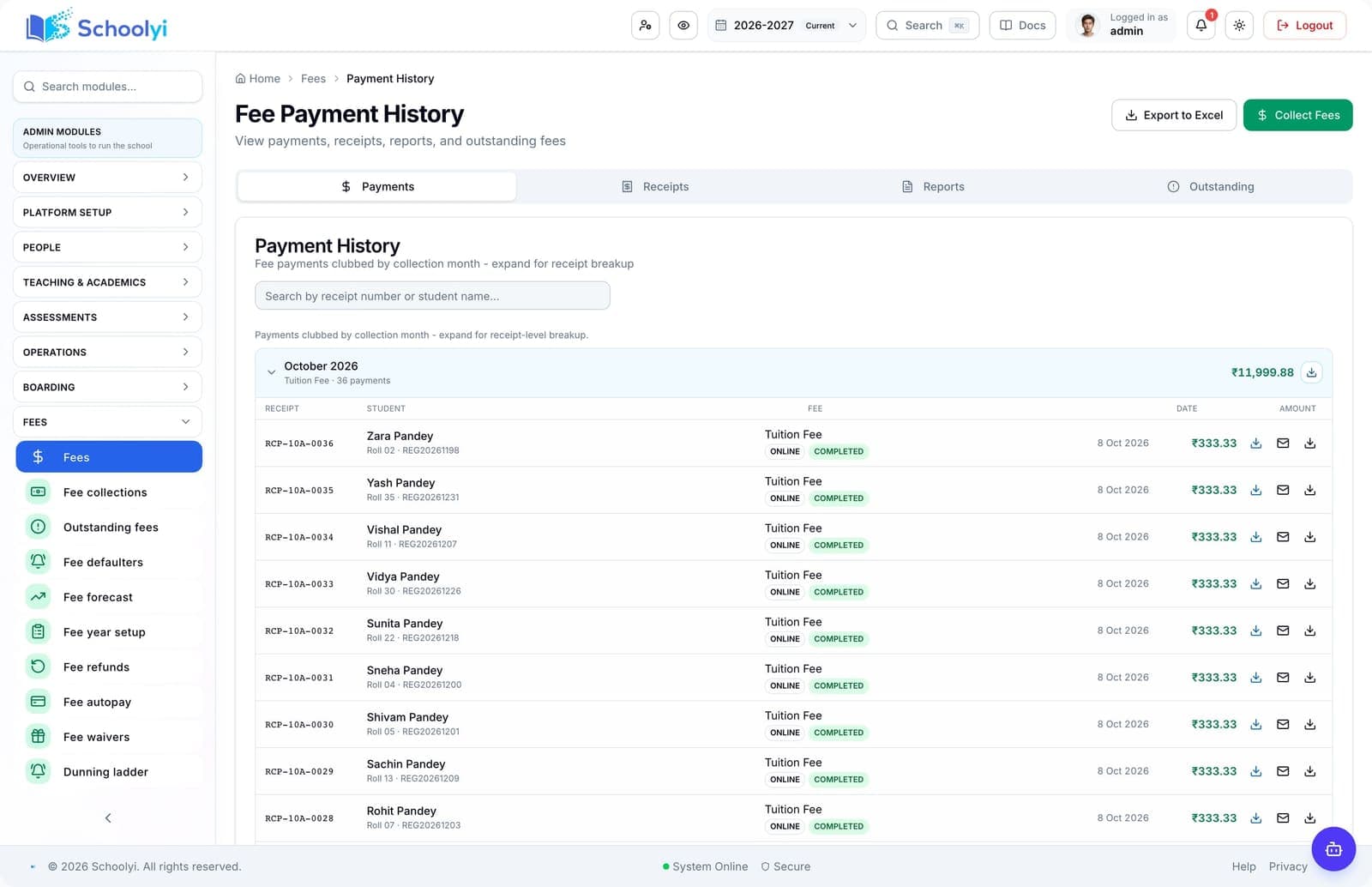
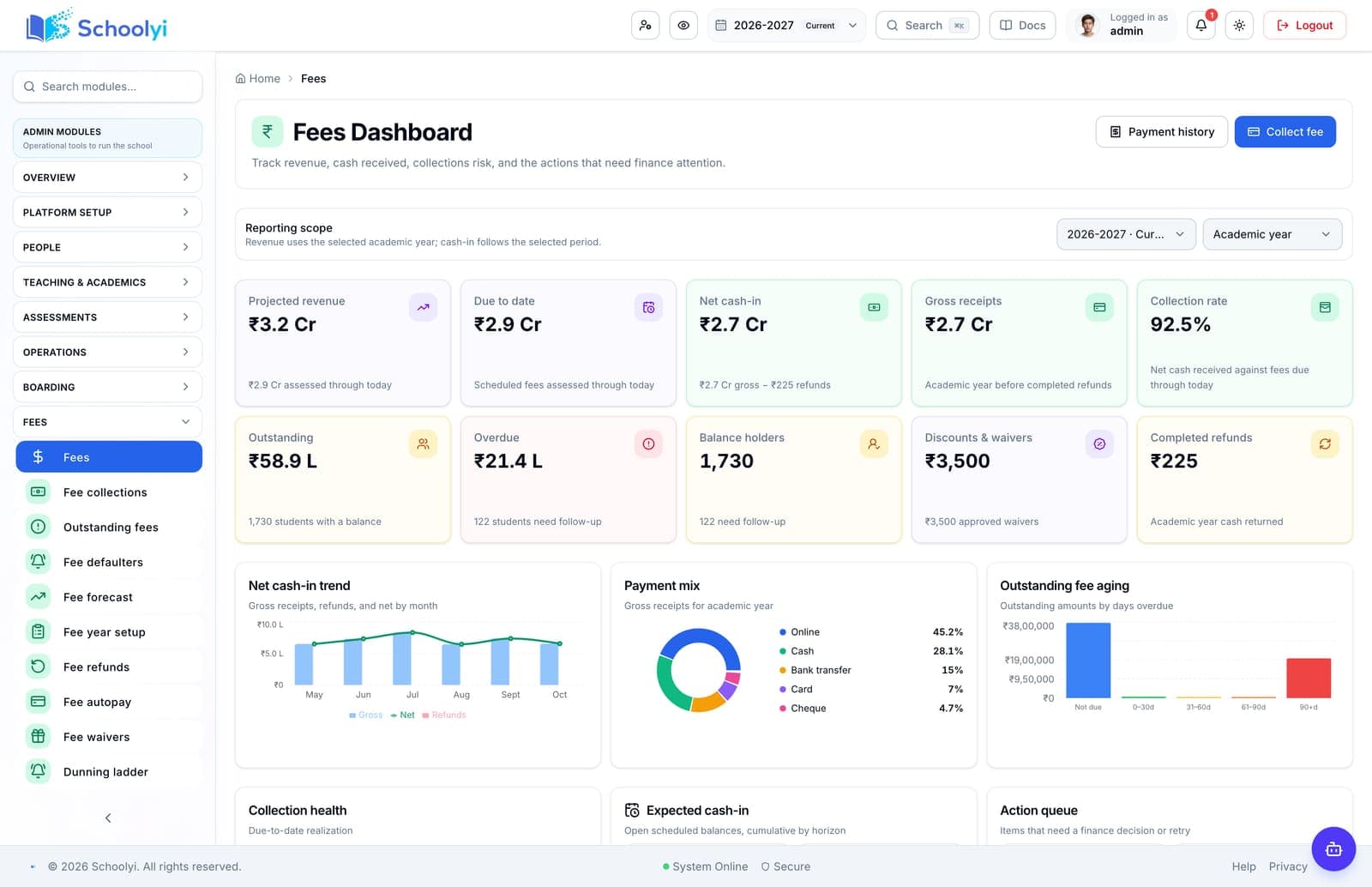
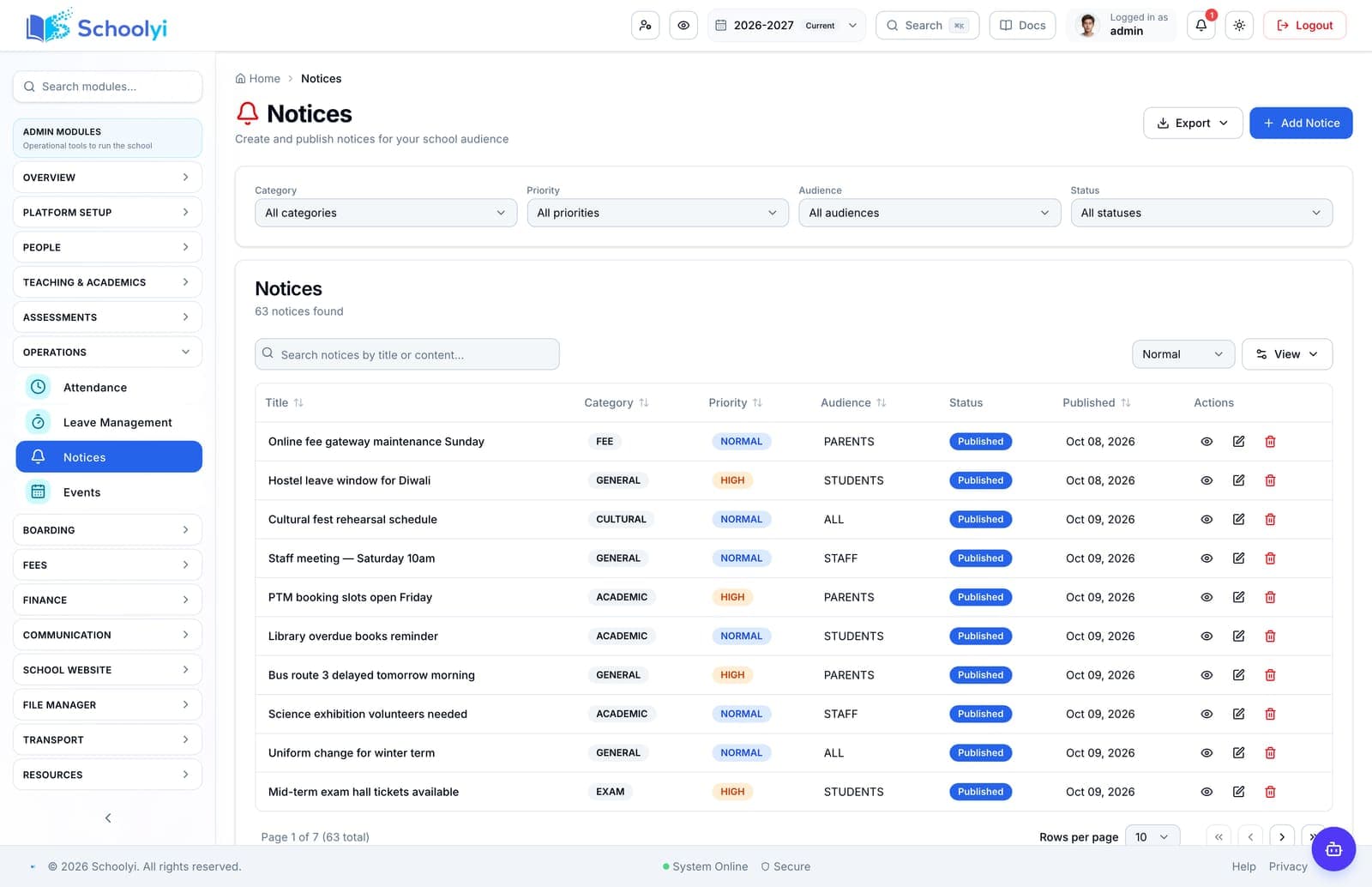
Product screenshots
Captured from a demo school, at a size search engines can fetch. Open the module for the rest of the workflow.
At a glance
Validate gateways, receipts, SMTP, scheduled reminders, failure handling, and support ownership before collecting real fees.
Use the linked product and documentation pages to validate the workflow against your school’s data, roles, policies, and deployment.
Read the supporting materialHow it works
A clear sequence makes ownership, exceptions, and the next system action visible.
Set gateway, currency, tax, sender, domain, receipt, and environment values for the target deployment.
Run a payment, verify the fee state, receipt PDF, email delivery, and family history.
Rehearse timeout, duplicate attempt, declined payment, missing email, and reconciliation cases.
Assign who monitors scheduled jobs, gateway callbacks, mail delivery, and parent support.
Practical artifact
Copy these checkpoints into a kickoff, vendor demo, or readiness review.
Product truth
Good school software copy should answer who owns the work, what the handoff produces, and which parts still depend on deployment decisions.
This page describes the supported workflow boundary. Confirm configuration, integrations, data, and policy requirements in a representative pilot before committing to production.
Deep dive
Use these details to turn a product page into an implementation conversation.
A successful checkout is not complete until the ledger, receipt, notification, and support trail agree.
Simulated and live payment behavior must be clearly labelled so test transactions never masquerade as collections.
Record the gateway response, fee state, receipt, email result, webhook or dead-letter outcome, and family history for both a success and a failure.
Evidence layer
Read the supporting product and implementation material before making a capability claim.
Straightforward answers for visitors evaluating the product.
Do not promise receipt or reminder email until the sender, domain, and delivery path are tested in the deployment.
Validate credentials, permissions, and failure handling in a non-production environment before connecting live school records. Assign an owner for monitoring the handoff after launch.
Name a finance owner and an IT owner; families should receive a clear next step rather than a generic error.
Before the first collection cycle, reconcile one paid, partially paid, and overdue student account so the family receipt and finance view agree. Keep any tax, gateway, refund, or accounting boundary as an explicit deployment decision.
No. It is a test plan. The target deployment must still provide and verify its own gateway, sender, webhook, and reconciliation settings.
Treat that boundary as an explicit procurement or deployment decision. Document the responsible owner and any supporting process before rollout.
Continue exploring
Follow the next link based on the question your team needs to answer.
Fees to receipt
Configure fee structures, generate installments, collect online or counter payments, and give families a receipt that finance can reconcile.
Read the pageAvailability and support
What the product gives you for monitoring and scheduled jobs, which of those jobs you must wire up yourself, and why there is no uptime figure on this page.
Read the page
We can walk through the workflow with your school’s roles, calendar, data, and first-term priorities.
Already using Schoolyi? Sign in