
Teacher experience
The best workflow removes duplicate entry while preserving teacher judgement over remarks, feedback, and readiness to publish.
For teachers
Give teachers the class, timetable, attendance, lesson, homework, and grade context they need without exposing unrelated administration. See the workflow, ownership, rollout sequence, and boundaries before choosing a school management platform.

Dashboards, approvals, and cross-department visibility.
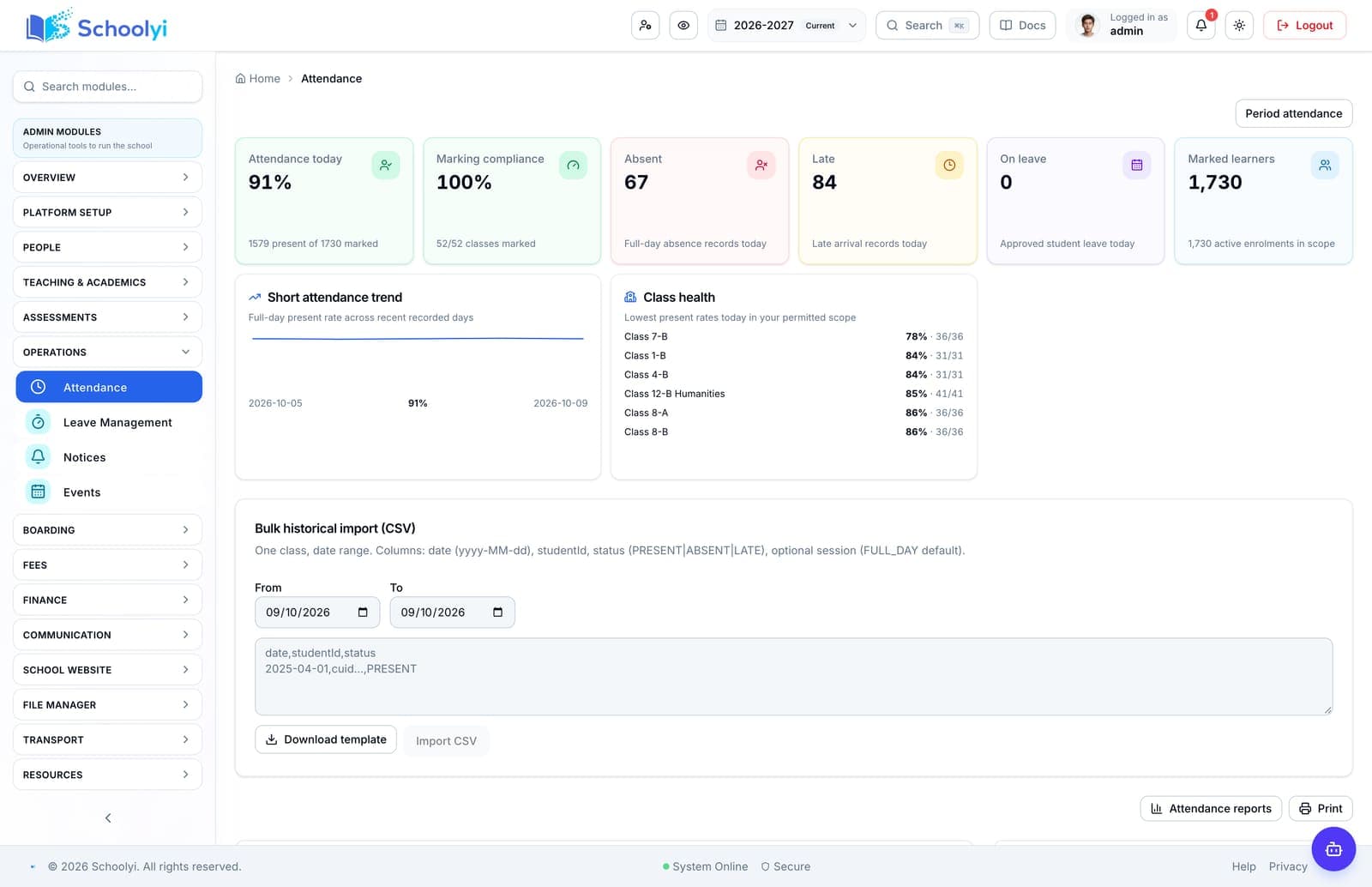
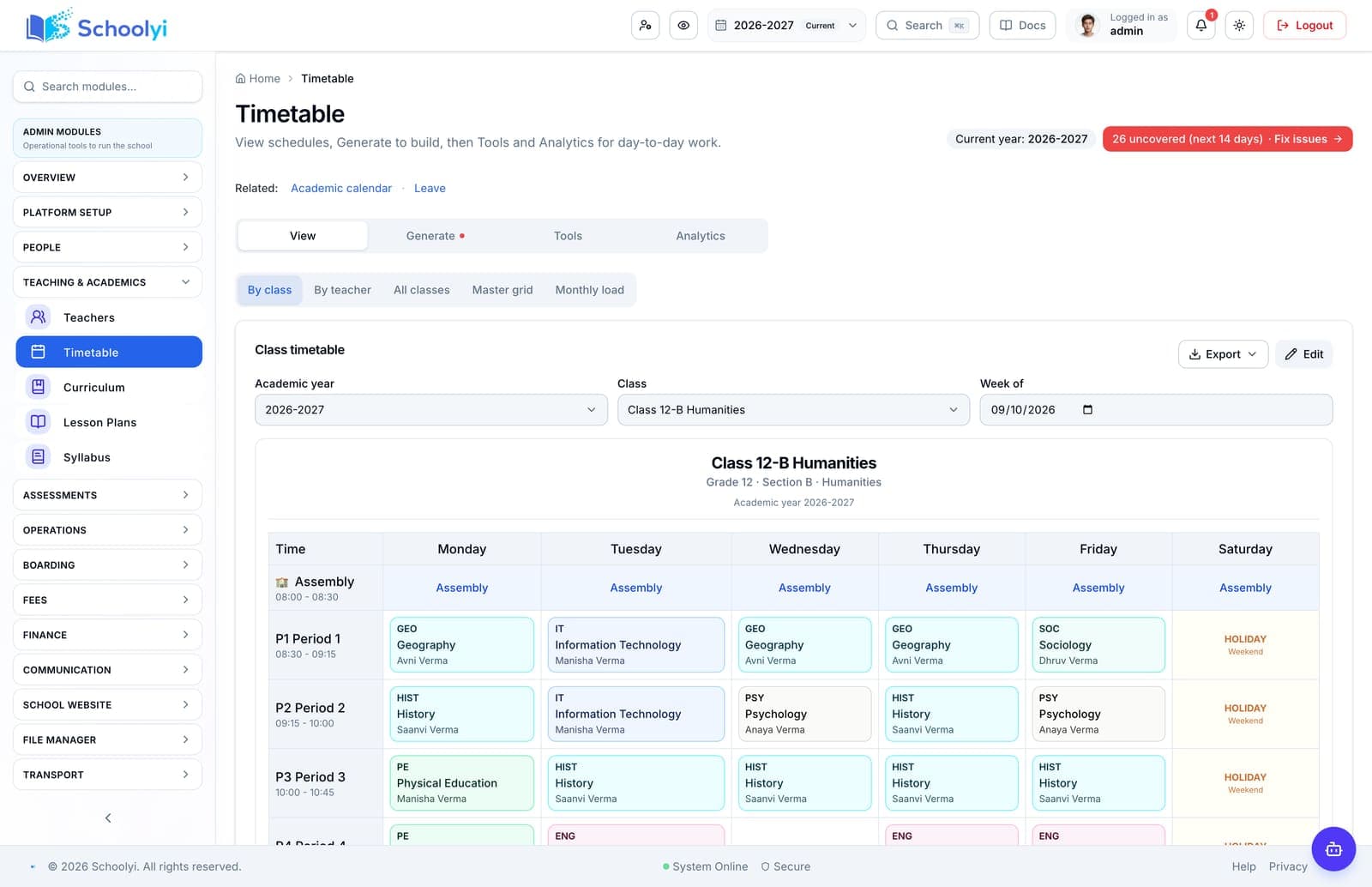
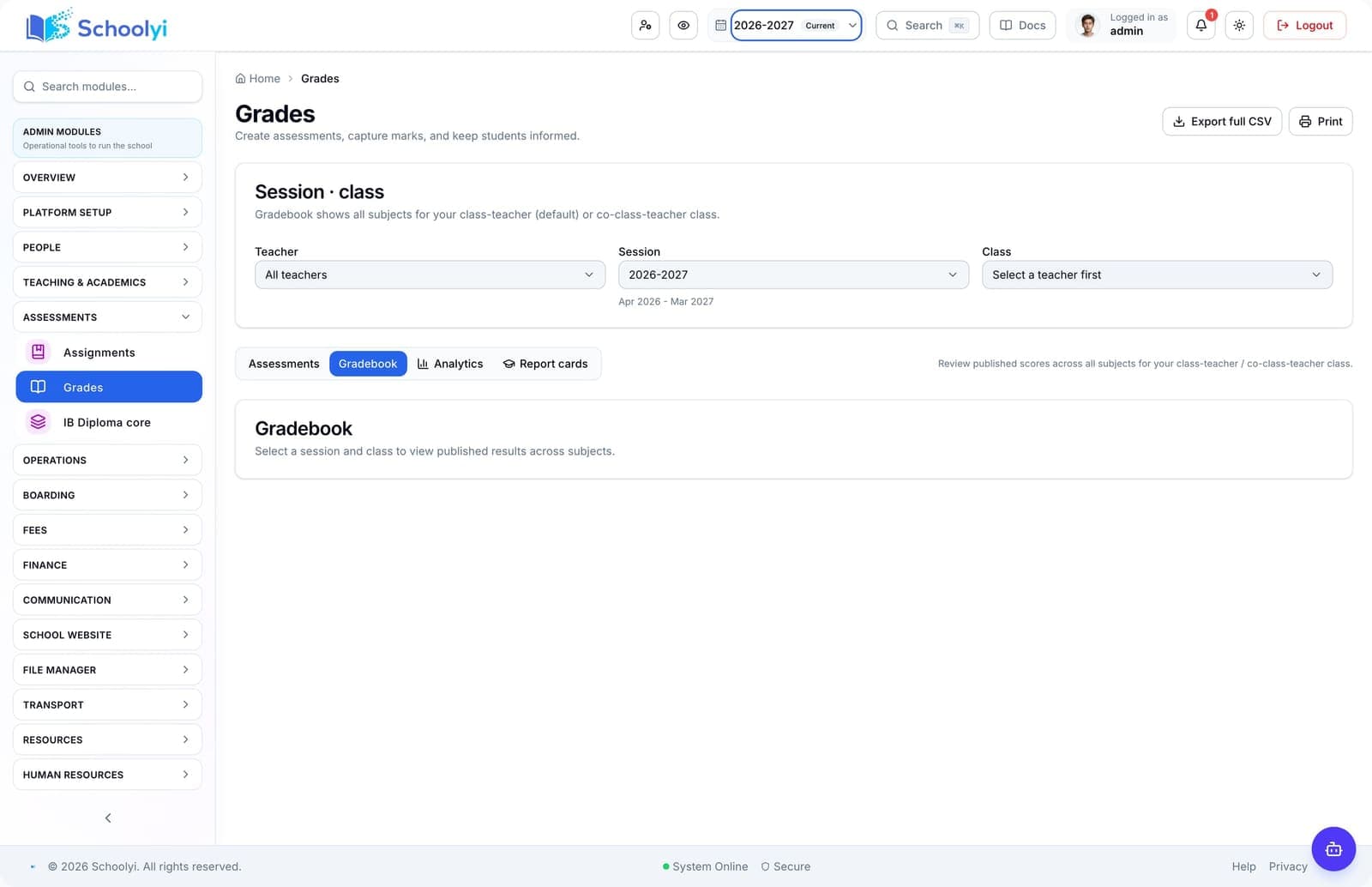
Product screenshots
Captured from a demo school, at a size search engines can fetch. Open the module for the rest of the workflow.
At a glance
Give teachers the class, timetable, attendance, lesson, homework, and grade context they need without exposing unrelated administration.
Use the linked product and documentation pages to validate the workflow against your school’s data, roles, policies, and deployment.
Read the supporting materialHow it works
A clear sequence makes ownership, exceptions, and the next system action visible.
Start from published timetable periods, assigned classes, and current notices.
Use lesson plans, study materials, facilities, and class context in one place.
Mark attendance, create assignments, and enter scoped assessment results.
Release only approved work and marks through the school’s configured gates.
Product truth
Good school software copy should answer who owns the work, what the handoff produces, and which parts still depend on deployment decisions.
This page describes the supported workflow boundary. Confirm configuration, integrations, data, and policy requirements in a representative pilot before committing to production.
Deep dive
Use these details to turn a product page into an implementation conversation.
The best workflow removes duplicate entry while preserving teacher judgement over remarks, feedback, and readiness to publish.
Teachers should see assigned classes and subjects, not school-wide finance or unrelated student records.
Before launch, verify the published timetable, attendance day, assignment visibility, mark-entry scope, and the route a substitute uses when a class changes.
Evidence layer
Read the supporting product and implementation material before making a capability claim.
Straightforward answers for visitors evaluating the product.
The product has responsive and PWA surfaces, but schools should validate their device and offline expectations before rollout.
Assign a workflow owner and test it with a representative staff account before the busy part of the term. Verify that approvals, coverage details, and sensitive fields remain within the intended role.
Homework and assessments can share gradebook context where the school’s grading setup supports it.
Run a representative class through draft, review, and publish states before relying on the output for a reporting deadline. Check which role owns corrections after the result becomes visible to families.
No offline data capture is available. The installable app has an offline shell, but staff need a connection to read records or submit attendance and marks.
Set the academic calendar before enabling dependent workflows, then test one holiday and one working-day exception against the resulting attendance or exam view. Keep the school’s local policy as the authority for edge cases.
Continue exploring
Follow the next link based on the question your team needs to answer.
Calendar to attendance
Use one academic calendar to decide when school is open, mark attendance accurately, and show families a consistent history.
Read the pageExam to report card
Run an exam cycle from session setup and invigilation through marks, moderation, publish gates, and family-facing report cards.
Read the page
We can walk through the workflow with your school’s roles, calendar, data, and first-term priorities.
Already using Schoolyi? Sign in