
Adoption is operational
A portal succeeds when office processes, publication gates, and family support agree with the UI.
Implementation guide
Make the parent portal useful on day one with correct guardian links, clear publication rules, mobile-friendly help, and a support loop. See the workflow, ownership, rollout sequence, and boundaries before choosing a school management platform.

Match modules to your board, size, and priorities.
Product screenshots
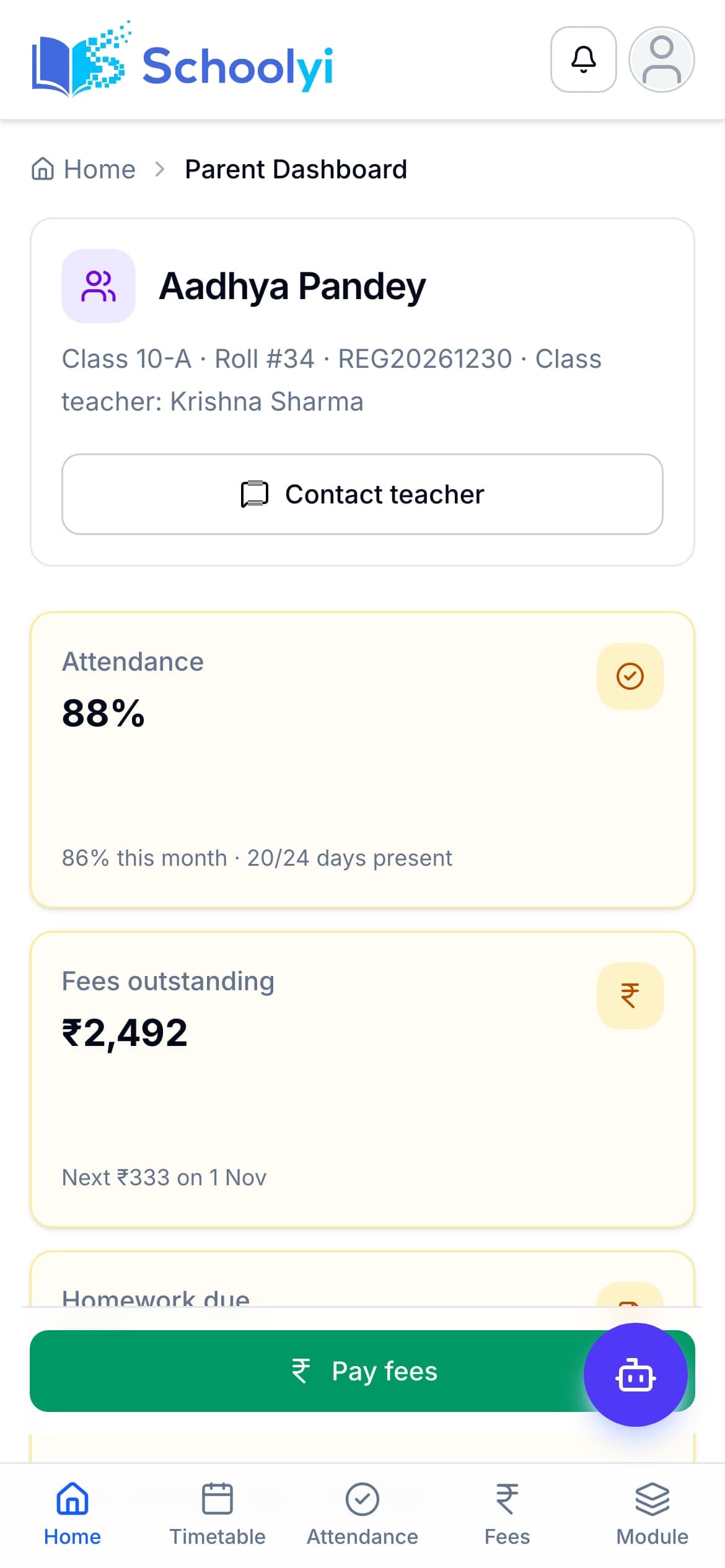
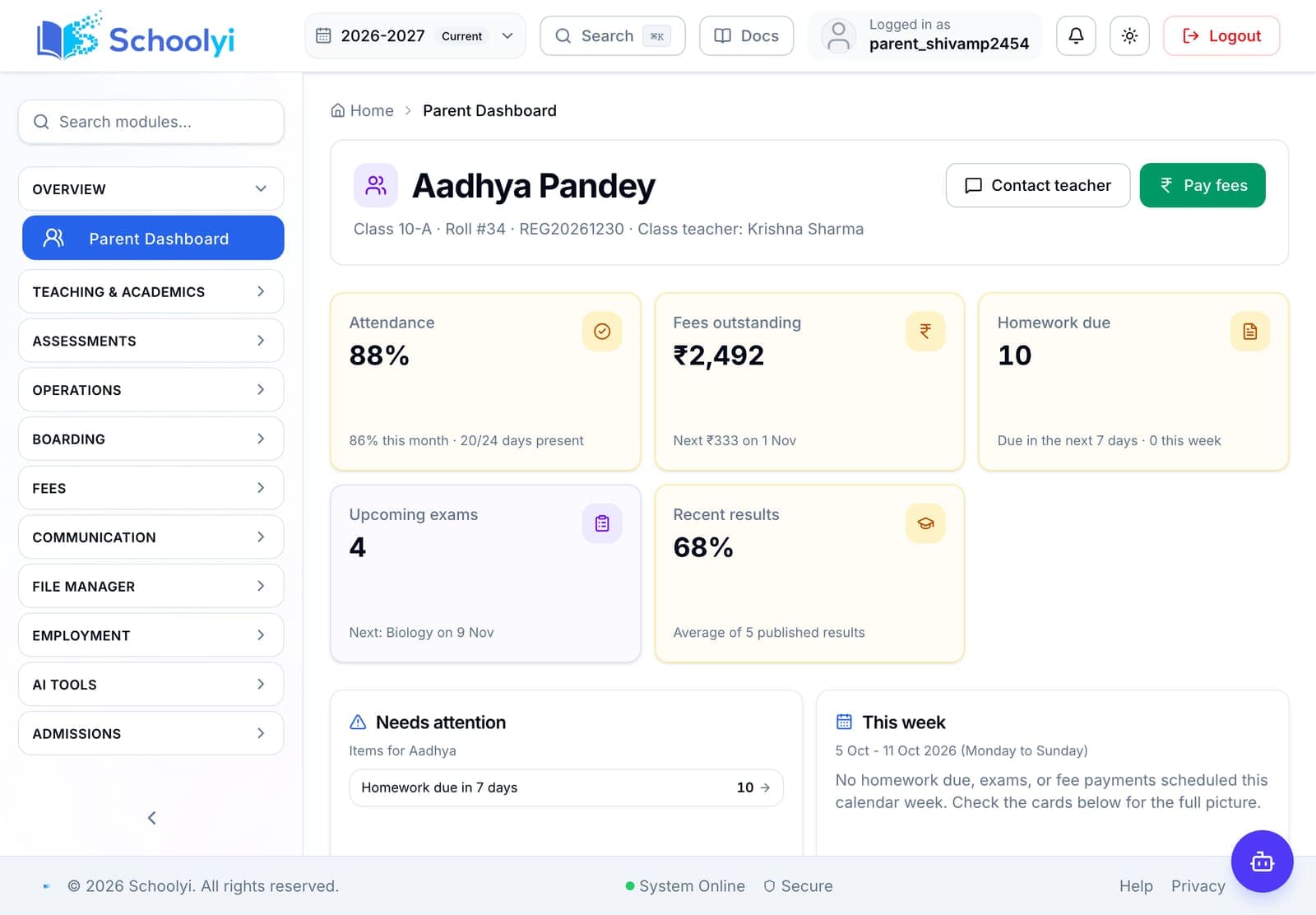
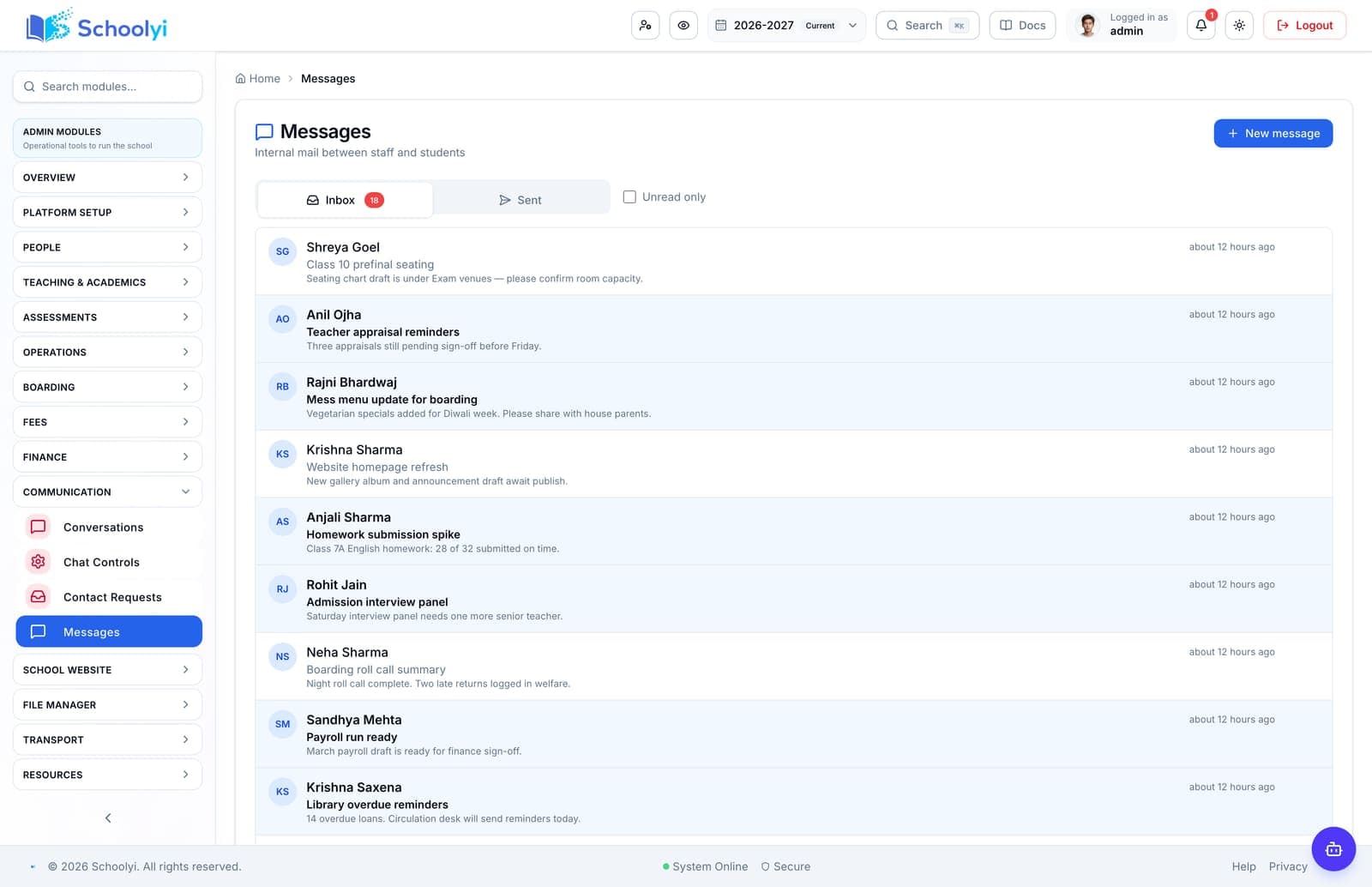
Captured from a demo school, at a size search engines can fetch. Open the module for the rest of the workflow.
At a glance
Make the parent portal useful on day one with correct guardian links, clear publication rules, mobile-friendly help, and a support loop.
Use the linked product and documentation pages to validate the workflow against your school’s data, roles, policies, and deployment.
Read the supporting materialHow it works
A clear sequence makes ownership, exceptions, and the next system action visible.
Audit guardian email, child relationships, duplicate accounts, and consent or contact rules.
Launch one useful surface such as fee receipt, attendance, or published timetable.
Tell families when grades, notices, payments, and reports become visible.
Track failed invites and linking issues, then publish answers where families will find them.
Practical artifact
Copy these checkpoints into a kickoff, vendor demo, or readiness review.
Product truth
Good school software copy should answer who owns the work, what the handoff produces, and which parts still depend on deployment decisions.
This page describes the supported workflow boundary. Confirm configuration, integrations, data, and policy requirements in a representative pilot before committing to production.
Deep dive
Use these details to turn a product page into an implementation conversation.
A portal succeeds when office processes, publication gates, and family support agree with the UI.
Track successful linked accounts, task completion, support contacts, and repeat usage, not just invitations sent.
Document which role releases attendance, grades, reports, notices, and receipts. Families adopt faster when a visible item has a known owner and timing.
Evidence layer
Read the supporting product and implementation material before making a capability claim.
Straightforward answers for visitors evaluating the product.
No. Publish the smallest reliable set first and expand after families trust the workflow.
Treat that boundary as an explicit procurement or deployment decision. Document the responsible owner and any supporting process before rollout.
Use a school-owned relationship and privacy policy; do not infer access from matching email addresses alone.
Record the responsible administrator and verify the control in the target deployment before production data is loaded. Keep the evidence with the school’s procurement or access-review record.
Keep the failed invite visible to the office, verify the guardian link and address, and provide a support path instead of asking families to create duplicate accounts.
Test the guardian link and publication boundary with a sample family before inviting the wider parent community. Confirm that each linked child exposes only the records the school intends.
Continue exploring
Follow the next link based on the question your team needs to answer.
Parent portal for school families
Give families one login for linked children, fees, receipts, attendance, grades, exams, transport, and school communication.
Read the pageFees to receipt
Configure fee structures, generate installments, collect online or counter payments, and give families a receipt that finance can reconcile.
Read the page
We can walk through the workflow with your school’s roles, calendar, data, and first-term priorities.
Already using Schoolyi? Sign in