
A green checklist needs evidence
Attach a test result, screenshot, export, approval, or owner confirmation to each critical item instead of marking it complete from intention.
Implementation guide
Run a school software go-live checklist covering data reconciliation, role access, calendar setup, payments, email, training, family communications, support, and rollback.

Match modules to your board, size, and priorities.
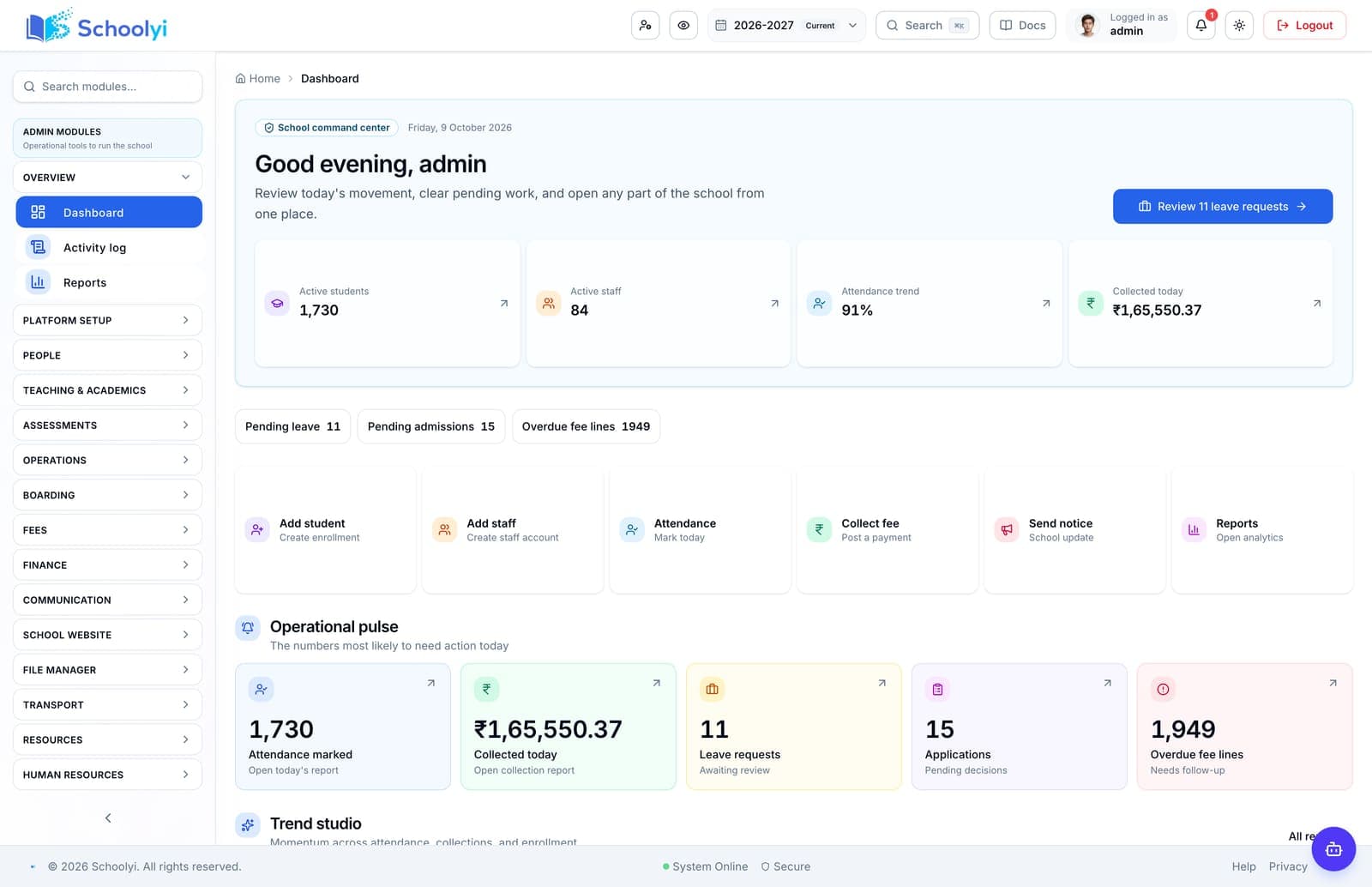
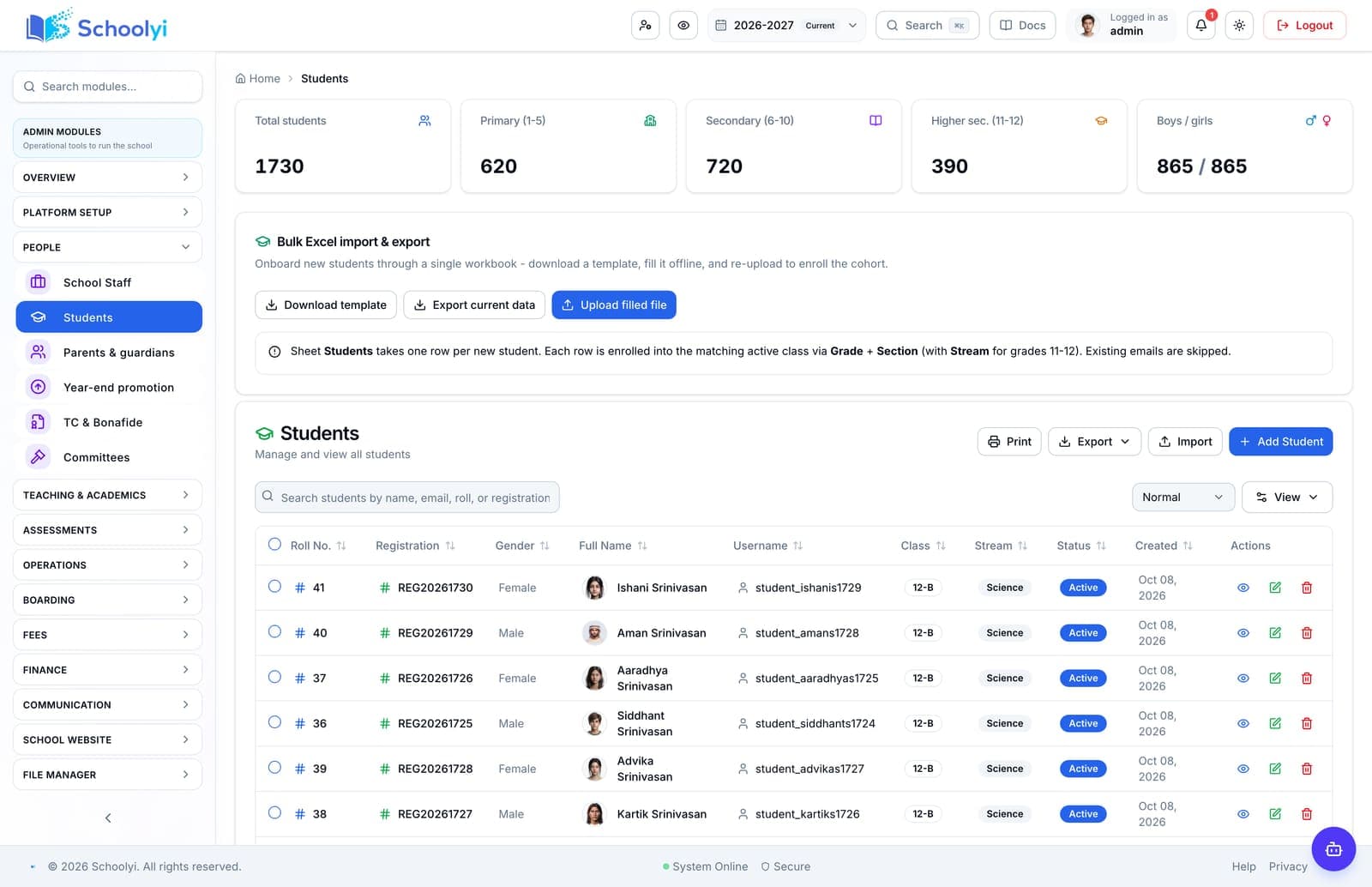
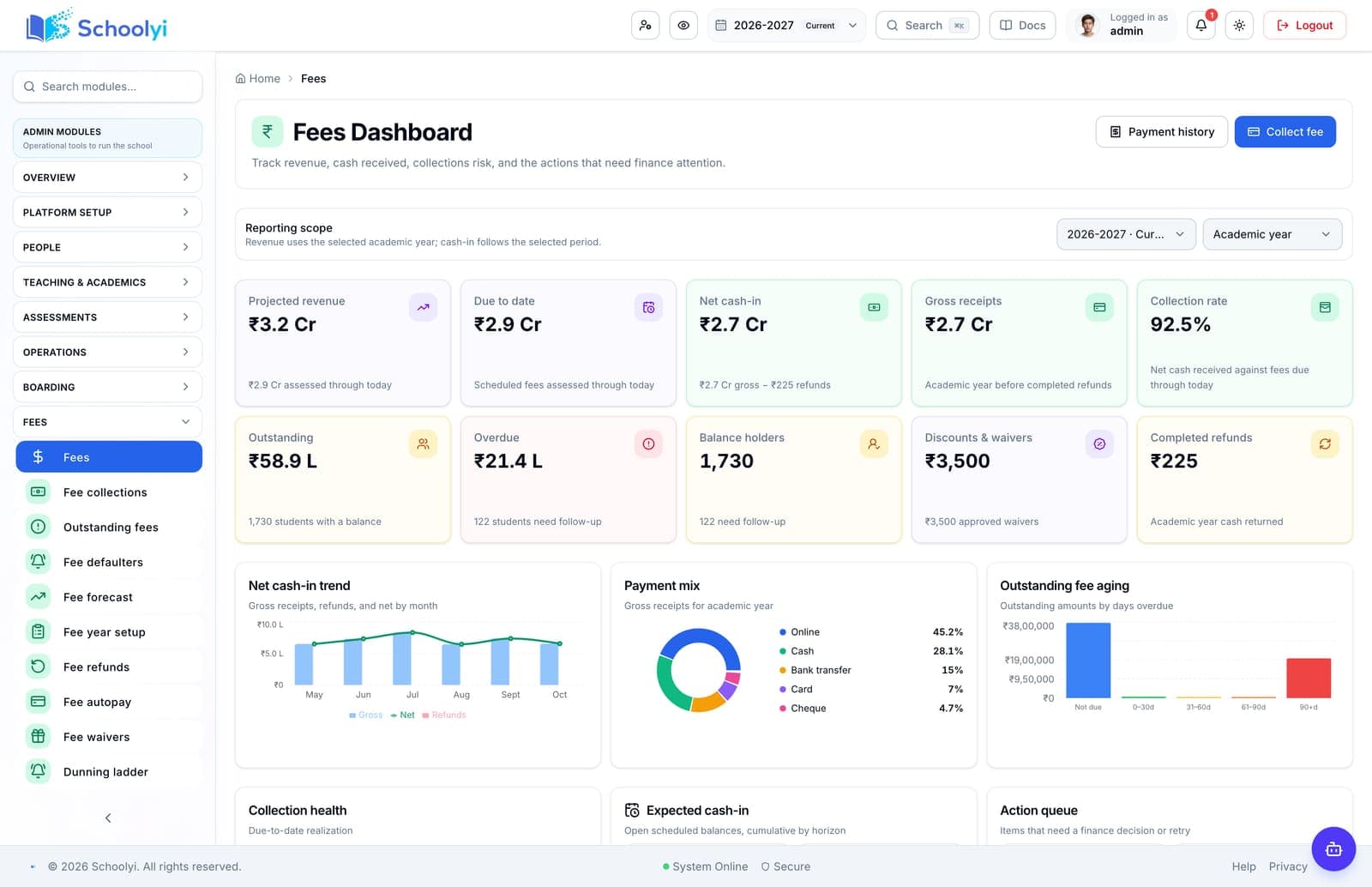
Product screenshots
Captured from a demo school, at a size search engines can fetch. Open the module for the rest of the workflow.
At a glance
Use a school software go-live checklist to verify data, roles, workflows, communications, integrations, support ownership, recovery, and rollback before opening access.
Use the linked product and documentation pages to validate the workflow against your school’s data, roles, policies, and deployment.
Read the supporting materialHow it works
A clear sequence makes ownership, exceptions, and the next system action visible.
Set the source-system cutoff, import the approved data, compare counts and balances, and record every exception with an owner.
Test staff, teacher, finance, parent, and student journeys on the server side, including denied actions, files, exports, and linked children.
Run the first complete workflow, payment or email checks, notifications, reports, and recovery steps with representative users.
Open the agreed scope, publish support instructions, watch errors and job heartbeats, and hold a daily review through the first critical cycle.
Practical artifact
Copy these checkpoints into a kickoff, vendor demo, or readiness review.
Product truth
Good school software copy should answer who owns the work, what the handoff produces, and which parts still depend on deployment decisions.
This page describes the supported workflow boundary. Confirm configuration, integrations, data, and policy requirements in a representative pilot before committing to production.
Deep dive
Use these details to turn a product page into an implementation conversation.
Attach a test result, screenshot, export, approval, or owner confirmation to each critical item instead of marking it complete from intention.
Define the last safe source snapshot, who can stop the cutover, how new records are reconciled, and how the school communicates a delay.
Email, payment gateways, scheduled jobs, backups, uploads, and support ownership may depend on the target deployment rather than the application alone.
Evidence layer
Read the supporting product and implementation material before making a capability claim.
Straightforward answers for visitors evaluating the product.
Check reconciled data, academic context, role access, complete workflows, payments and email, family links, reports, training, support ownership, backups, monitoring, and rollback.
Record the responsible administrator and verify the control in the target deployment before production data is loaded. Keep the evidence with the school’s procurement or access-review record.
After the relevant role tests and smoke tests pass. Release access in a controlled sequence when possible instead of inviting every user before the foundation is trusted.
Test the answer with a representative record and role before making it part of a live term workflow. Capture the expected result and the exception path so the team can verify it after launch.
Record the failure, its owner and impact, then either fix and retest it or formally defer the scope. Do not turn an unresolved critical dependency into an informal workaround.
Test the answer with a representative record and role before making it part of a live term workflow. Capture the expected result and the exception path so the team can verify it after launch.
Continue exploring
Follow the next link based on the question your team needs to answer.
School Management Software Implementation Timeline
Set a realistic school management software implementation timeline around data preparation, academic dates, pilot testing, training, go-live, and the first support cycle.
Read the pageSchool Software Training and Change Management Plan
Prepare staff and families for a school software change with role-based training, local champions, practice scenarios, support coverage, and measurable adoption checks.
Read the pageFirst 90 days of a school software rollout
Sequence foundation data, one visible workflow, role training, and evidence-based expansion instead of attempting a big-bang launch.
Read the page
We can walk through the workflow with your school’s roles, calendar, data, and first-term priorities.
Already using Schoolyi? Sign in