
Duration depends on readiness
A clean single-school dataset and narrow first phase can move quickly; poor data, multiple campuses, complex integrations, and local policy add time.
Implementation guide
Plan a school management software implementation timeline around data migration, academic terms, fee cycles, exams, role training, pilot testing, and go-live support.

Match modules to your board, size, and priorities.
At a glance
Set a realistic school management software implementation timeline around data preparation, academic dates, pilot testing, training, go-live, and the first support cycle.
Use the linked product and documentation pages to validate the workflow against your school’s data, roles, policies, and deployment.
Read the supporting materialHow it works
A clear sequence makes ownership, exceptions, and the next system action visible.
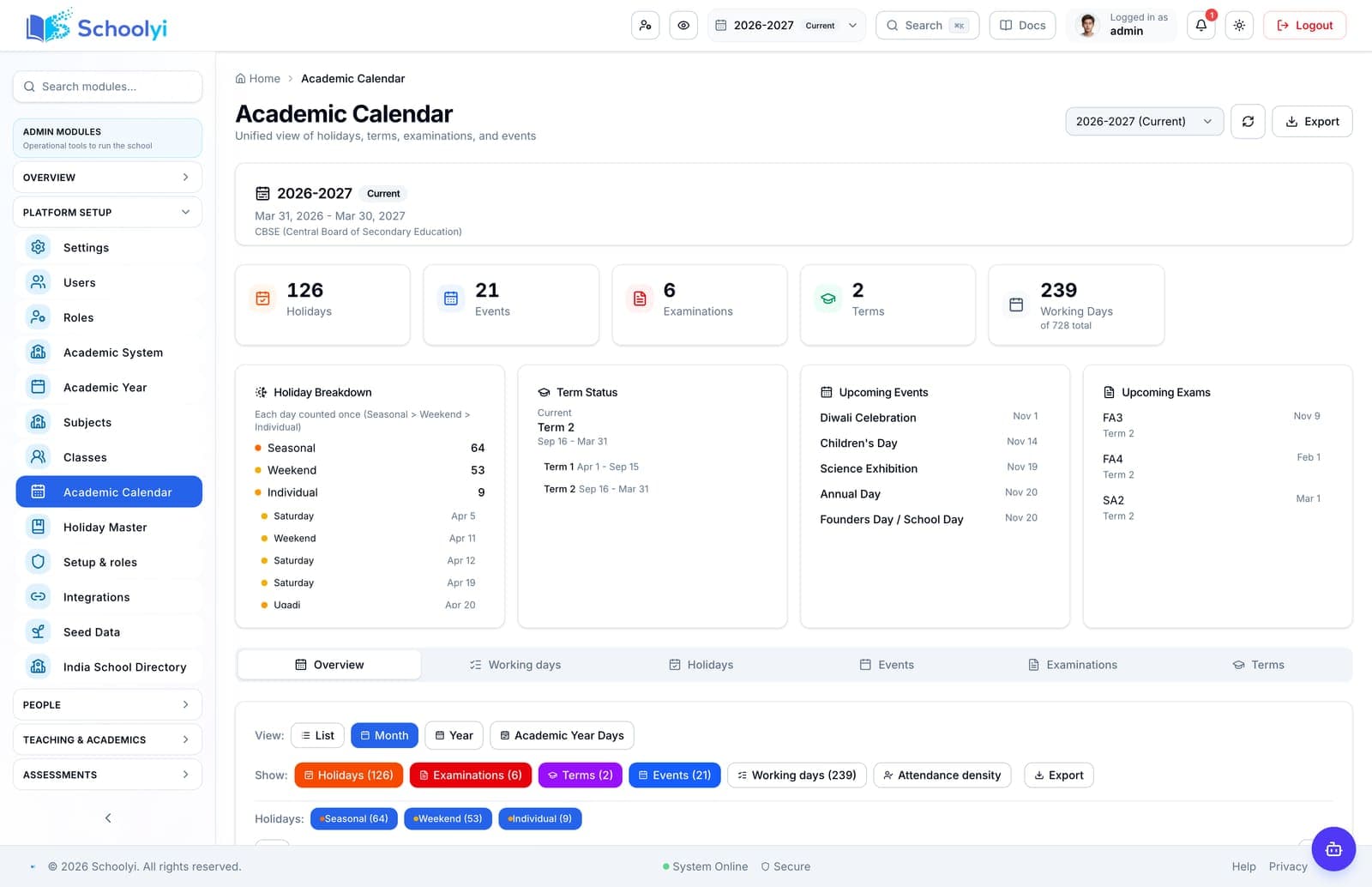
Record term starts, admissions deadlines, fee periods, exam windows, holidays, reporting dates, and any blackout periods.
Allow time for source inventory, deduplication, academic-year setup, role design, templates, and a representative pilot import.
Reserve time to run complete scenarios, correct data and permissions, retrain users, and repeat failed tests before cutover.
Extend support through the first real fee, attendance, admissions, or report-card cycle instead of ending support on launch day.
Practical artifact
Copy these checkpoints into a kickoff, vendor demo, or readiness review.
Product truth
Good school software copy should answer who owns the work, what the handoff produces, and which parts still depend on deployment decisions.
This page describes the supported workflow boundary. Confirm configuration, integrations, data, and policy requirements in a representative pilot before committing to production.
Deep dive
Use these details to turn a product page into an implementation conversation.
A clean single-school dataset and narrow first phase can move quickly; poor data, multiple campuses, complex integrations, and local policy add time.
Use ranges and phase gates until data quality and workflow scope are known. A date without a readiness condition is a target, not a plan.
Start roster, timetable, and attendance at a term or year boundary where possible, and start finance at a clean fee period.
Evidence layer
Read the supporting product and implementation material before making a capability claim.
Straightforward answers for visitors evaluating the product.
A focused single-campus rollout with prepared data may reach a first live workflow in four to eight weeks, but a full term is often needed to learn from recurring cycles.
Confirm the campus scope and reporting boundary with a representative deployment before treating the capability as group-wide. Record which work remains local when the school group plans its rollout.
Duplicate or incomplete data, unclear ownership, late decisions, complex integrations, exam windows, multiple campuses, and training scheduled too close to go-live commonly extend the timeline.
Confirm the campus scope and reporting boundary with a representative deployment before treating the capability as group-wide. Record which work remains local when the school group plans its rollout.
It can, but avoid high-risk windows. Phase the work so each workflow starts at a natural calendar boundary and the school has a recovery plan for exceptions.
Record the responsible administrator and verify the control in the target deployment before production data is loaded. Keep the evidence with the school’s procurement or access-review record.
Continue exploring
Follow the next link based on the question your team needs to answer.
School Software Implementation Roadmap
Move from software selection to a measured school rollout with clear phases for discovery, design, pilot, go-live, and controlled expansion.
Read the pageSchool Software Go-Live Checklist
Use a school software go-live checklist to verify data, roles, workflows, communications, integrations, support ownership, recovery, and rollback before opening access.
Read the page
We can walk through the workflow with your school’s roles, calendar, data, and first-term priorities.
Already using Schoolyi? Sign in