
A roadmap is a sequence of decisions
It should show what the school will decide, who owns the decision, what evidence is required, and what happens if the gate is not passed.
Implementation guide
Use a school software implementation roadmap to sequence discovery, data readiness, pilot workflows, training, go-live, and post-launch expansion around the academic calendar.

Match modules to your board, size, and priorities.
Product screenshots
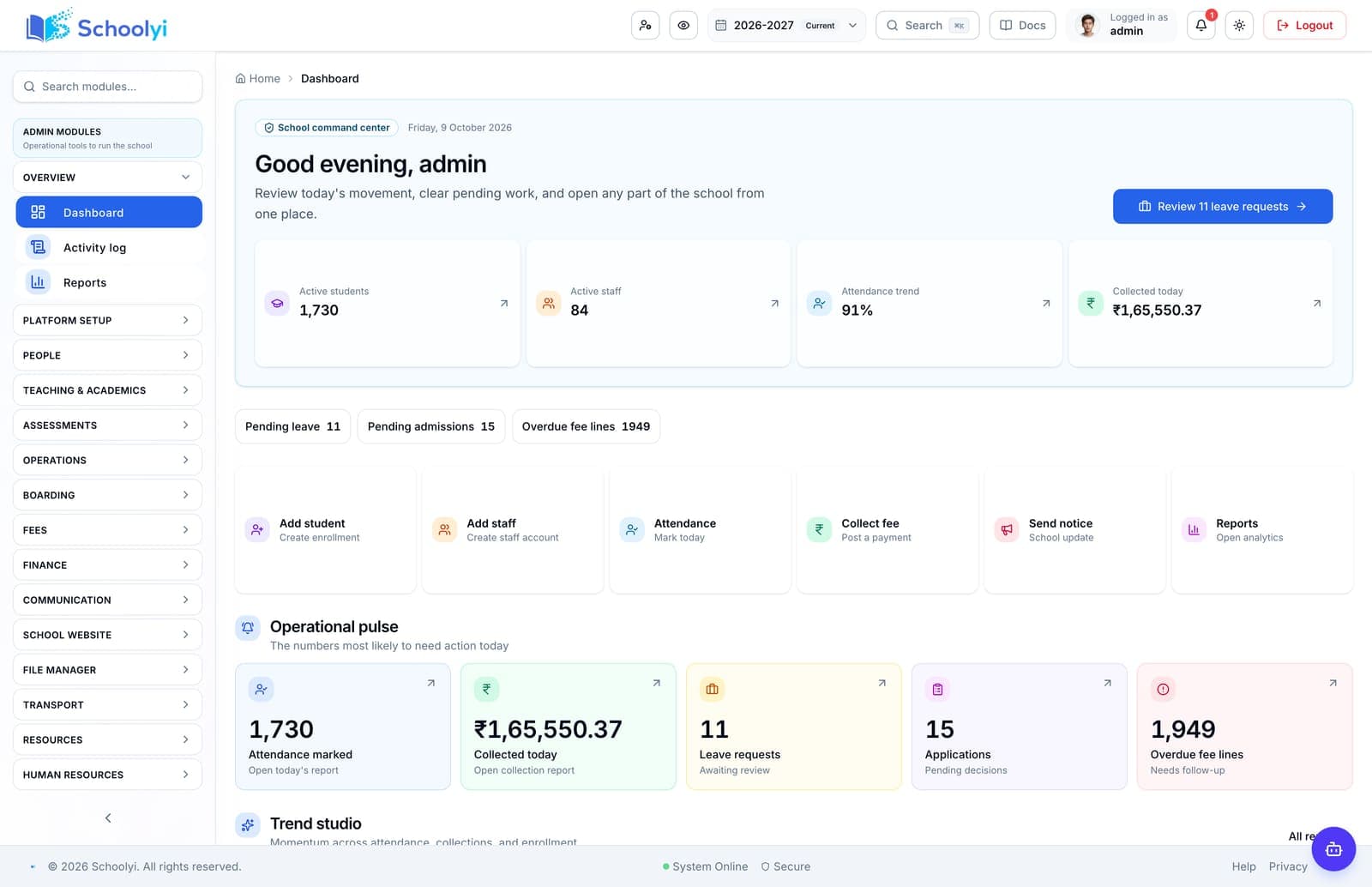
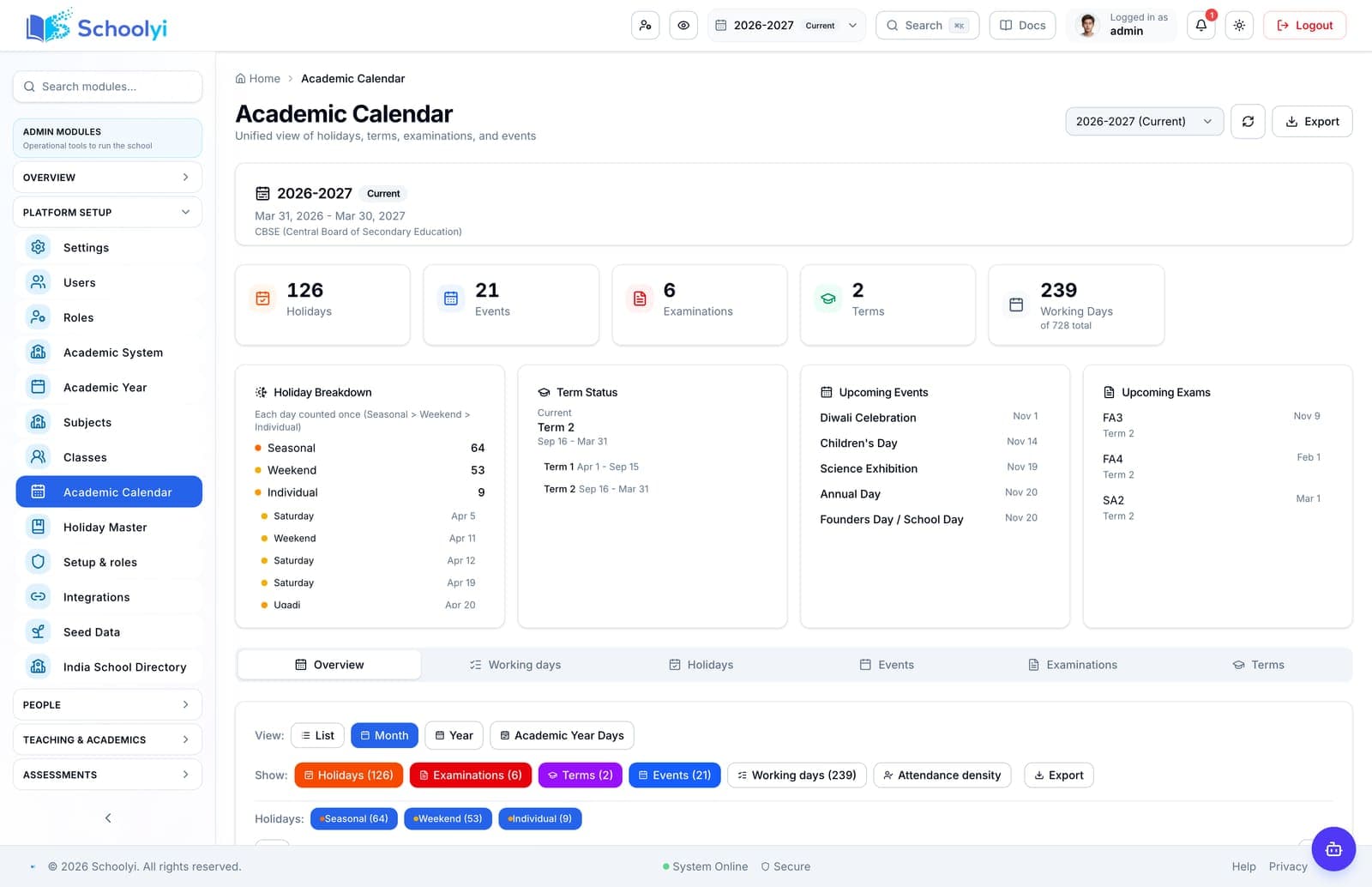
Captured from a demo school, at a size search engines can fetch. Open the module for the rest of the workflow.
At a glance
Move from software selection to a measured school rollout with clear phases for discovery, design, pilot, go-live, and controlled expansion.
Use the linked product and documentation pages to validate the workflow against your school’s data, roles, policies, and deployment.
Read the supporting materialHow it works
A clear sequence makes ownership, exceptions, and the next system action visible.
Document the current workflows, pain points, data sources, roles, constraints, and outcomes the rollout must improve.
Choose the first complete workflow, define the target records and permissions, and align the project to term, fee, and exam dates.
Run representative data and real handoffs with a small group, then record defects, training needs, and unresolved boundaries.
Go live with an agreed module set, monitor the first operating cycle, and add scope only when evidence supports the next phase.
Practical artifact
Copy these checkpoints into a kickoff, vendor demo, or readiness review.
Product truth
Good school software copy should answer who owns the work, what the handoff produces, and which parts still depend on deployment decisions.
This page describes the supported workflow boundary. Confirm configuration, integrations, data, and policy requirements in a representative pilot before committing to production.
Deep dive
Use these details to turn a product page into an implementation conversation.
It should show what the school will decide, who owns the decision, what evidence is required, and what happens if the gate is not passed.
A technically ready release can still be badly timed. Protect exam windows, fee due dates, admissions peaks, and the first weeks of a new term.
Mark live, configurable, deployment-dependent, custom, and roadmap capabilities separately so later phases do not become implied promises.
Evidence layer
Read the supporting product and implementation material before making a capability claim.
Straightforward answers for visitors evaluating the product.
A roadmap sets the sequence and decision gates across the rollout. An implementation plan turns one phase into owners, tasks, dependencies, dates, and deliverables.
Test the answer with a representative record and role before making it part of a live term workflow. Capture the expected result and the exception path so the team can verify it after launch.
Usually not. Start with the foundation and one complete workflow that creates visible value, then expand after the team completes a real operating cycle.
Test the answer with a representative record and role before making it part of a live term workflow. Capture the expected result and the exception path so the team can verify it after launch.
Review it at each phase gate, after the pilot, before go-live, and after the first full fee, attendance, or reporting cycle.
Before the first collection cycle, reconcile one paid, partially paid, and overdue student account so the family receipt and finance view agree. Keep any tax, gateway, refund, or accounting boundary as an explicit deployment decision.
Continue exploring
Follow the next link based on the question your team needs to answer.
School Software Implementation Plan
Build a school software implementation plan that names scope, owners, data dependencies, acceptance criteria, risks, and the decision required at each phase.
Read the pageSchool Management Software Implementation Timeline
Set a realistic school management software implementation timeline around data preparation, academic dates, pilot testing, training, go-live, and the first support cycle.
Read the page
We can walk through the workflow with your school’s roles, calendar, data, and first-term priorities.
Already using Schoolyi? Sign in