
Write exclusions down
A plan is safer when it says which historical records, integrations, reports, or manual tasks are outside the first release.
Implementation guide
Create a practical school software implementation plan with scope, owners, migration dependencies, role testing, training, acceptance criteria, risks, and sign-off.

Match modules to your board, size, and priorities.
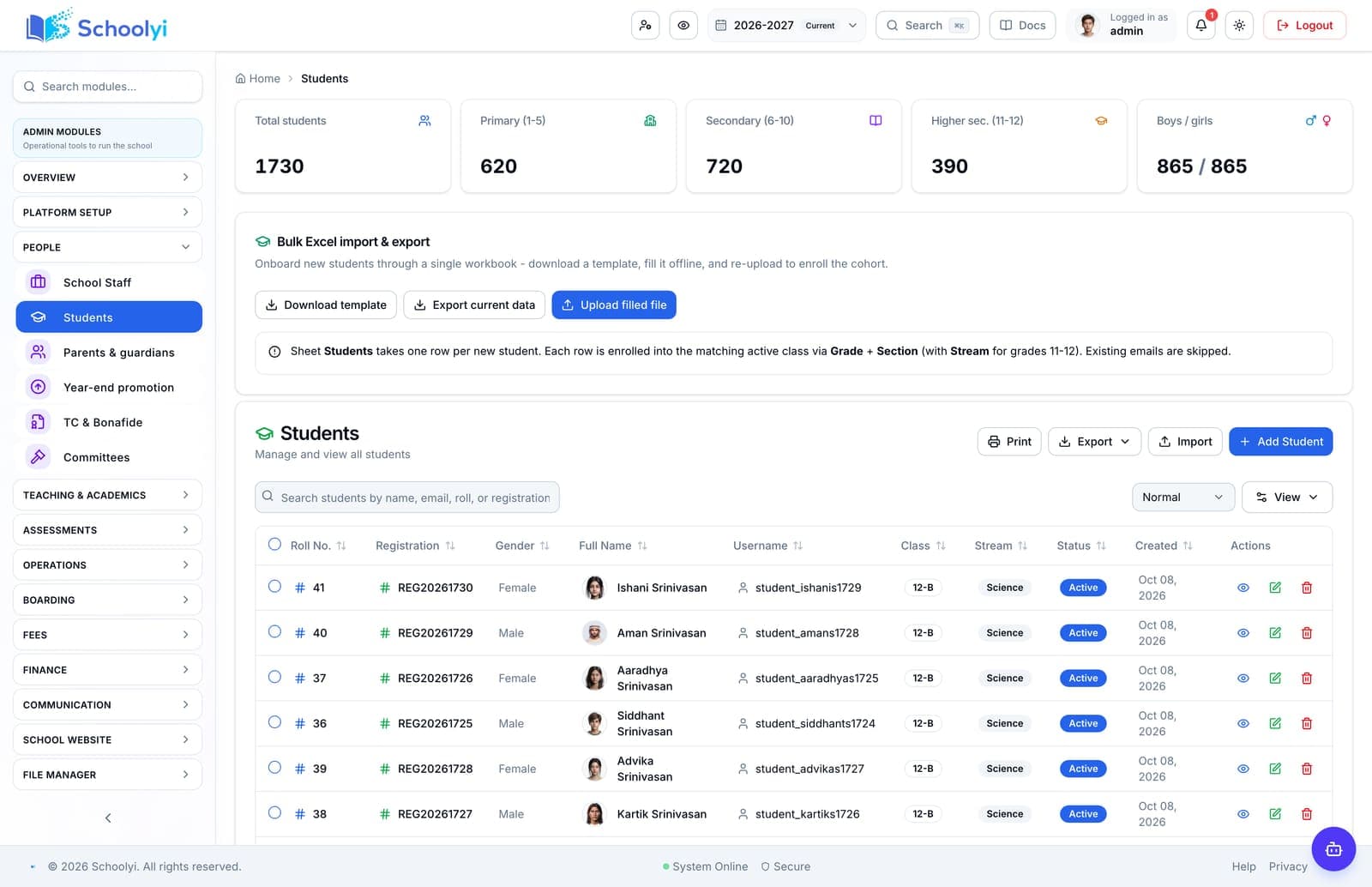
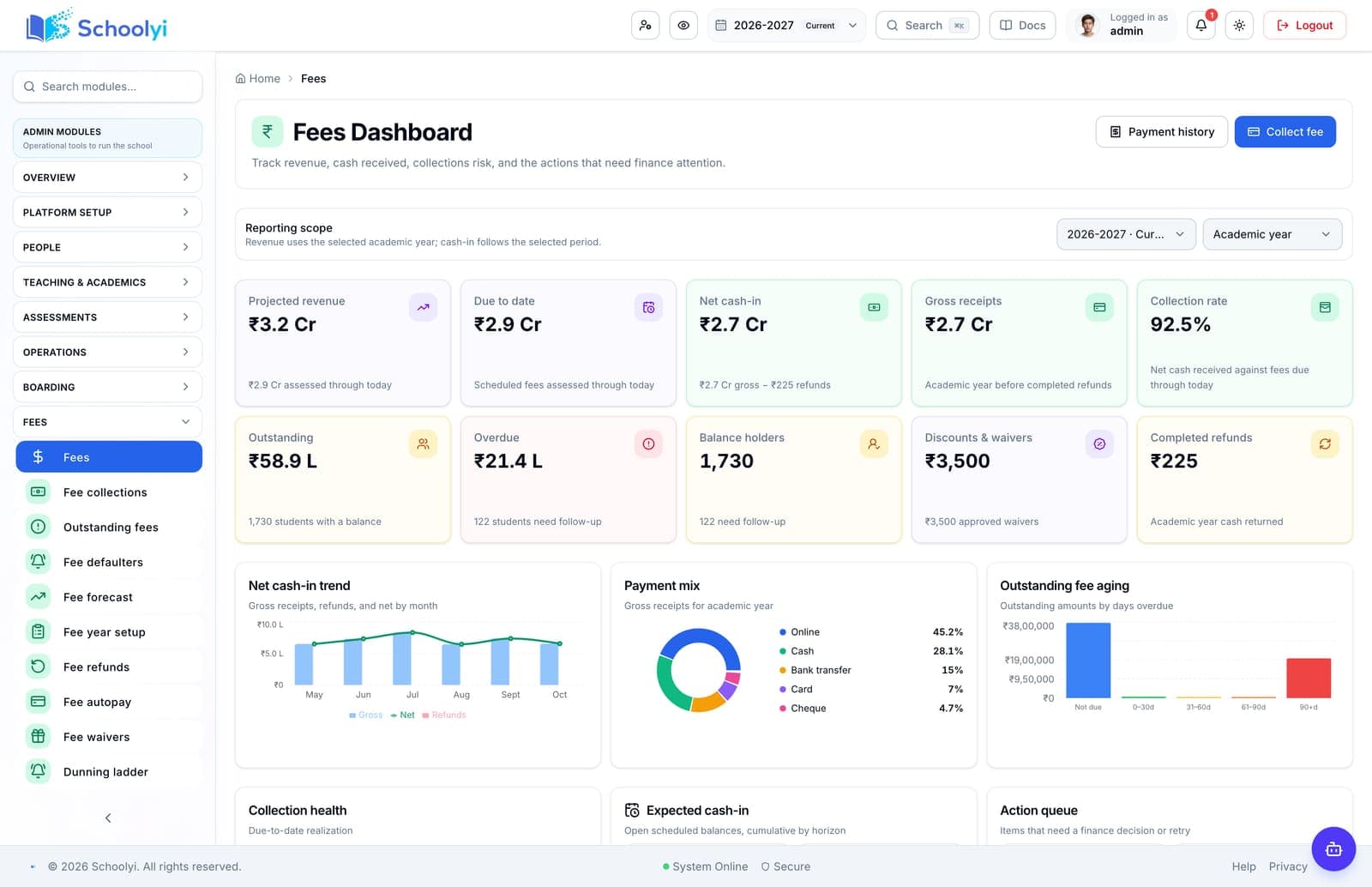
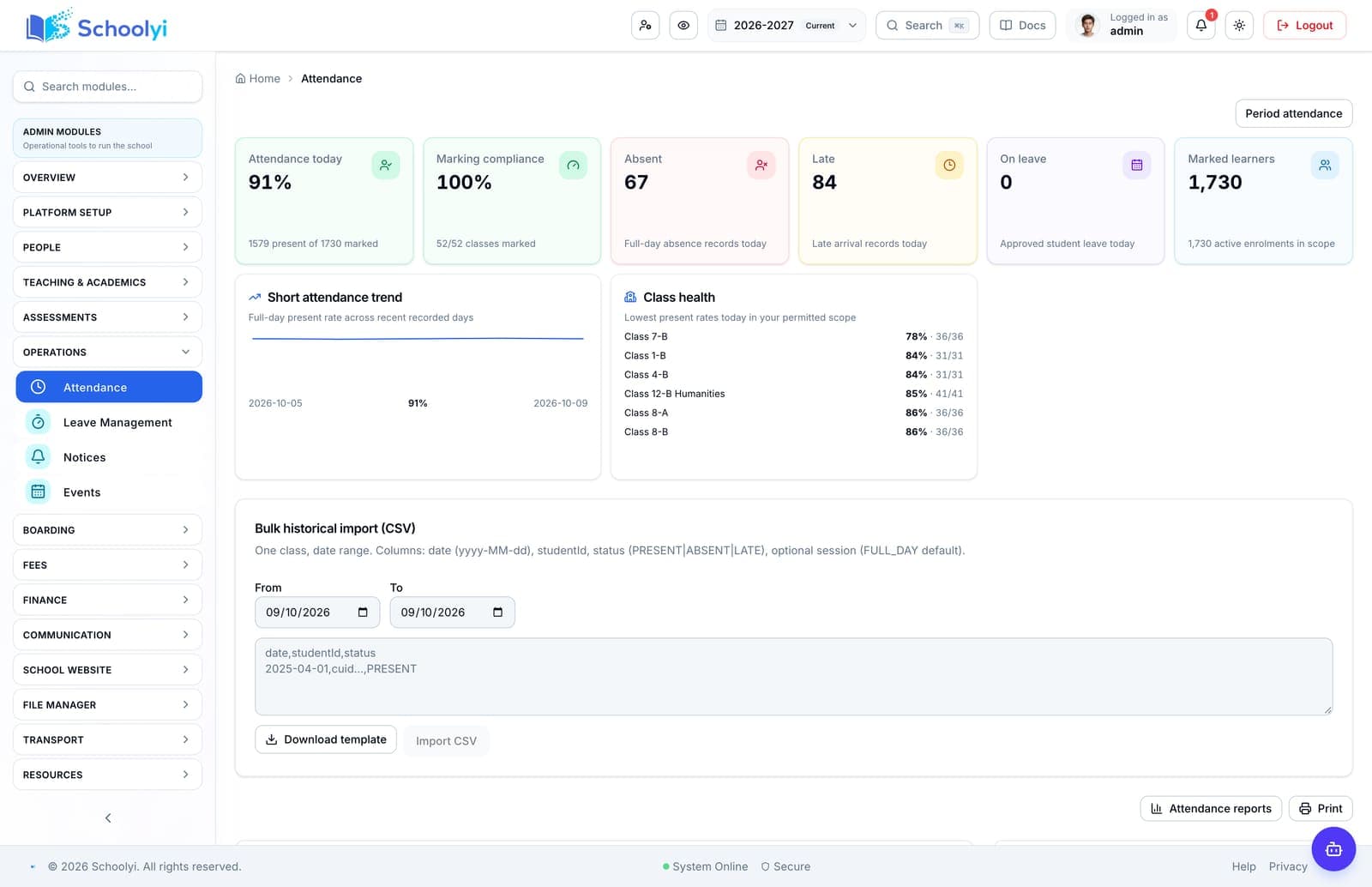
Product screenshots
Captured from a demo school, at a size search engines can fetch. Open the module for the rest of the workflow.
At a glance
Build a school software implementation plan that names scope, owners, data dependencies, acceptance criteria, risks, and the decision required at each phase.
Use the linked product and documentation pages to validate the workflow against your school’s data, roles, policies, and deployment.
Read the supporting materialHow it works
A clear sequence makes ownership, exceptions, and the next system action visible.
Write the first workflows, users, records, integrations, exclusions, and success measures in language every department can review.
Name a decision owner, data owner, process owner, approver, and support contact for every affected workflow.
Sequence academic year setup, roster and guardian data, permissions, templates, payment or email settings, and required exports.
Set evidence-based acceptance criteria for the pilot, training, cutover, and first operating cycle before calling the phase complete.
Practical artifact
Copy these checkpoints into a kickoff, vendor demo, or readiness review.
Product truth
Good school software copy should answer who owns the work, what the handoff produces, and which parts still depend on deployment decisions.
This page describes the supported workflow boundary. Confirm configuration, integrations, data, and policy requirements in a representative pilot before committing to production.
Deep dive
Use these details to turn a product page into an implementation conversation.
A plan is safer when it says which historical records, integrations, reports, or manual tasks are outside the first release.
Require a complete workflow, correct role access, reconciled records, expected outputs, exception handling, and an owner who can support it.
Every open question should have an owner, a due date, a decision needed, and a consequence if it remains unresolved.
Evidence layer
Read the supporting product and implementation material before making a capability claim.
Straightforward answers for visitors evaluating the product.
Include outcomes, scope, owners, data and integration dependencies, calendar constraints, role training, test scenarios, acceptance criteria, risks, support, and rollback decisions.
Validate credentials, permissions, and failure handling in a non-production environment before connecting live school records. Assign an owner for monitoring the handoff after launch.
Leadership should approve scope and risk, while each process owner approves the detailed workflow and data assumptions for their department.
Test the answer with a representative record and role before making it part of a live term workflow. Capture the expected result and the exception path so the team can verify it after launch.
Yes. Keep the school-owned requirements and test scenarios fixed, then use them to compare each vendor’s configuration, evidence, and responsibilities.
Test the answer with a representative record and role before making it part of a live term workflow. Capture the expected result and the exception path so the team can verify it after launch.
Continue exploring
Follow the next link based on the question your team needs to answer.
School Software Implementation Roadmap
Move from software selection to a measured school rollout with clear phases for discovery, design, pilot, go-live, and controlled expansion.
Read the pageSchool Management Software Implementation Timeline
Set a realistic school management software implementation timeline around data preparation, academic dates, pilot testing, training, go-live, and the first support cycle.
Read the page
We can walk through the workflow with your school’s roles, calendar, data, and first-term priorities.
Already using Schoolyi? Sign in