
Product screenshots
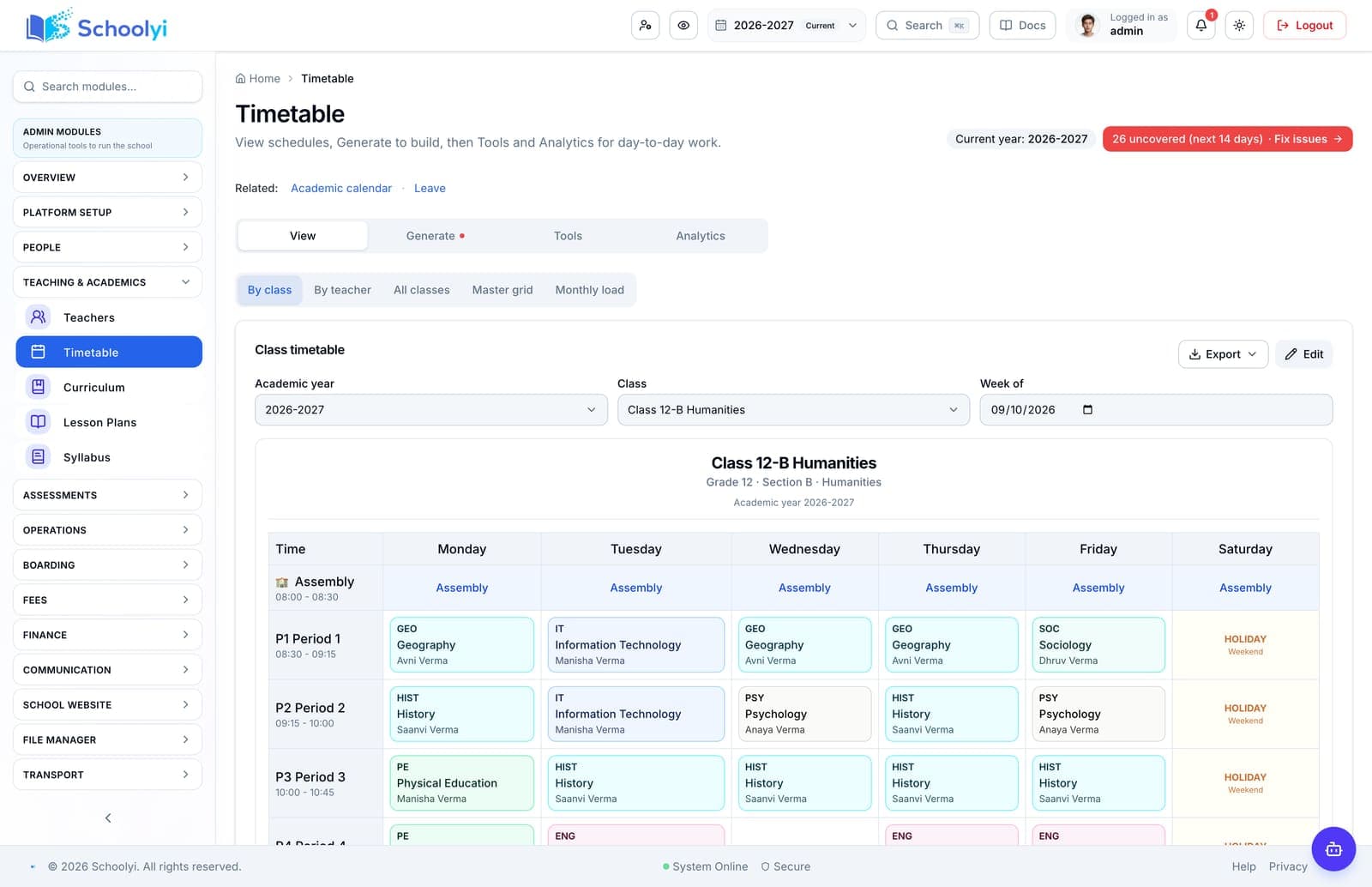
The handoffs, on screen
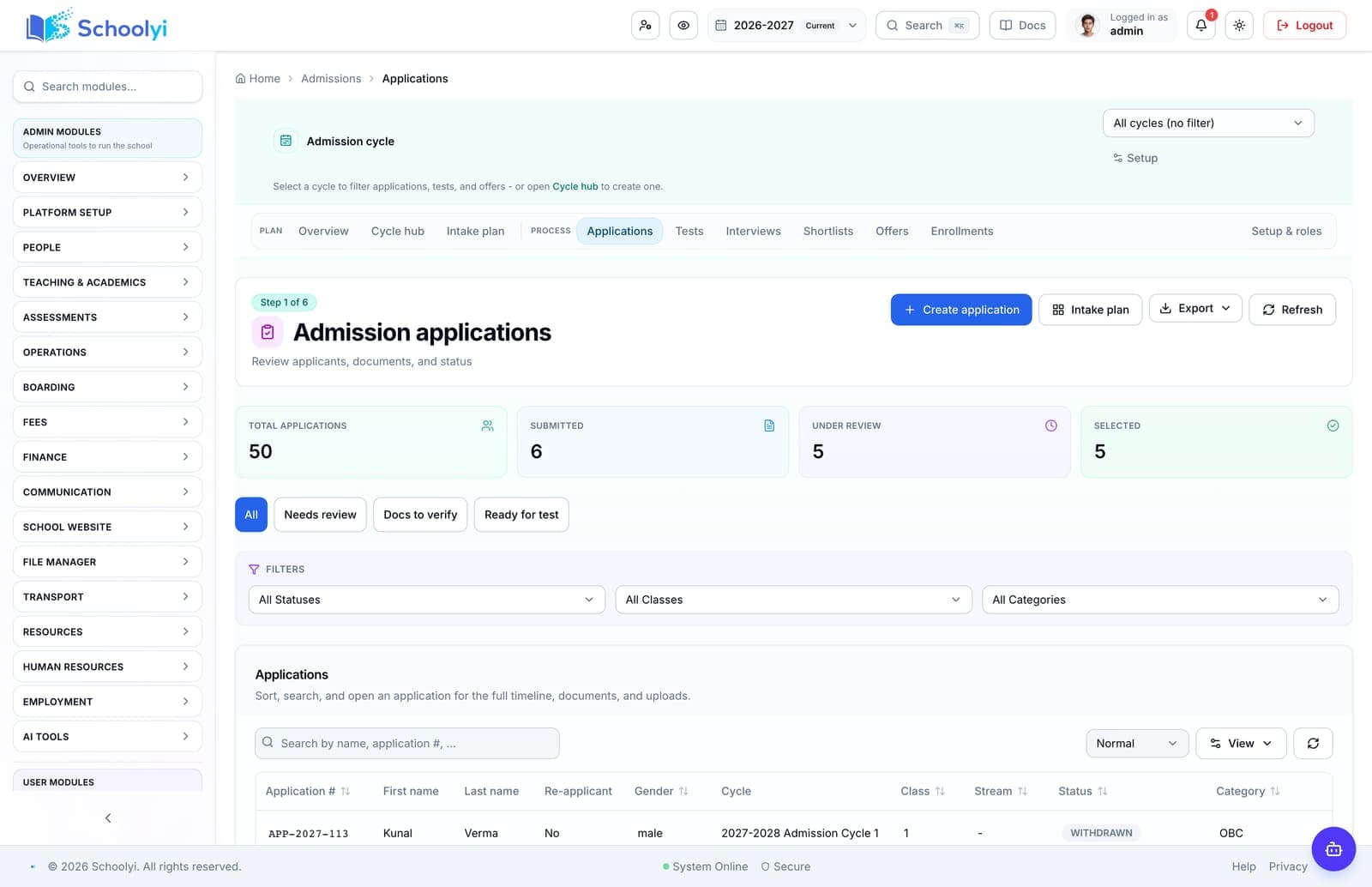
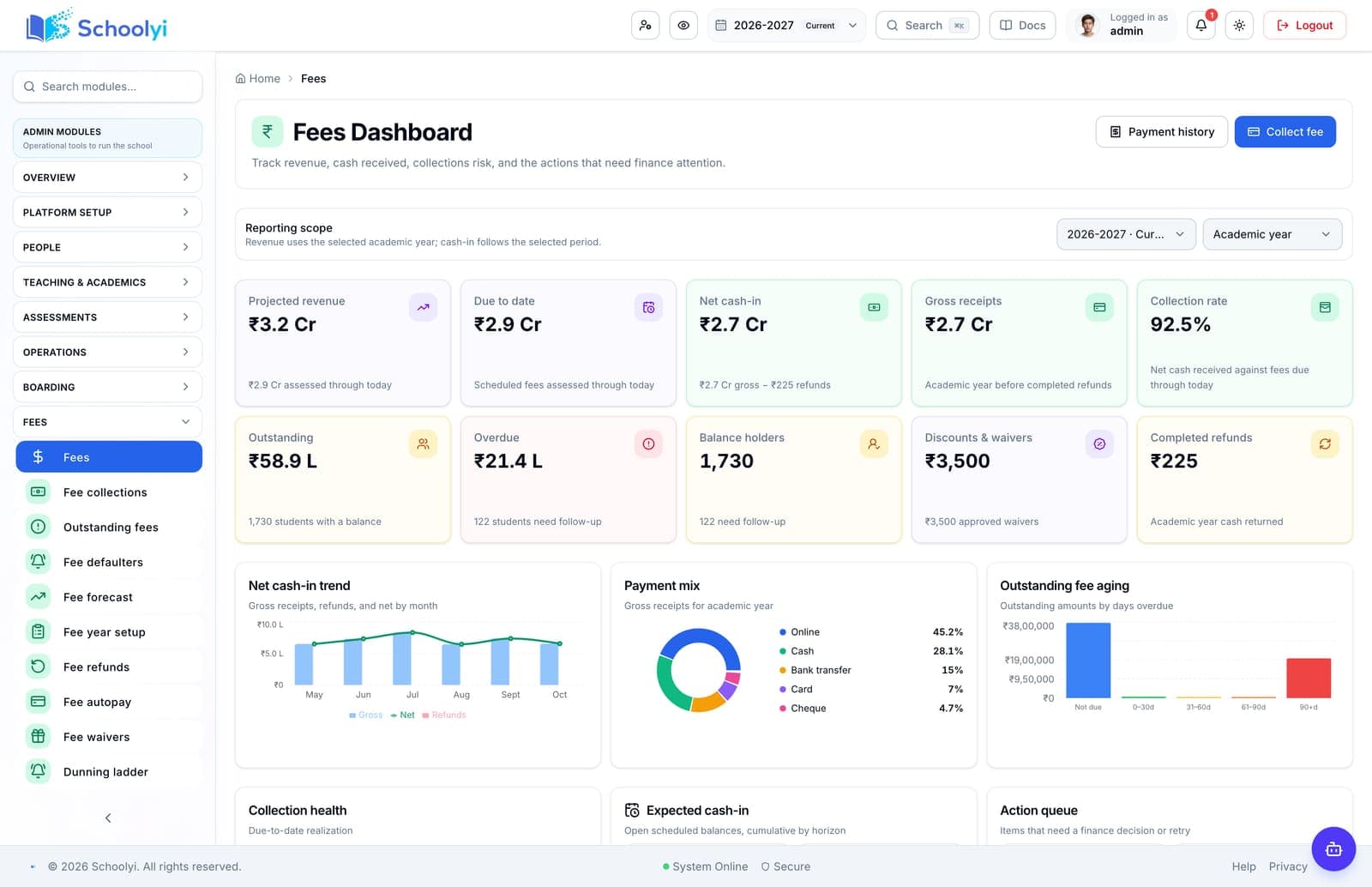
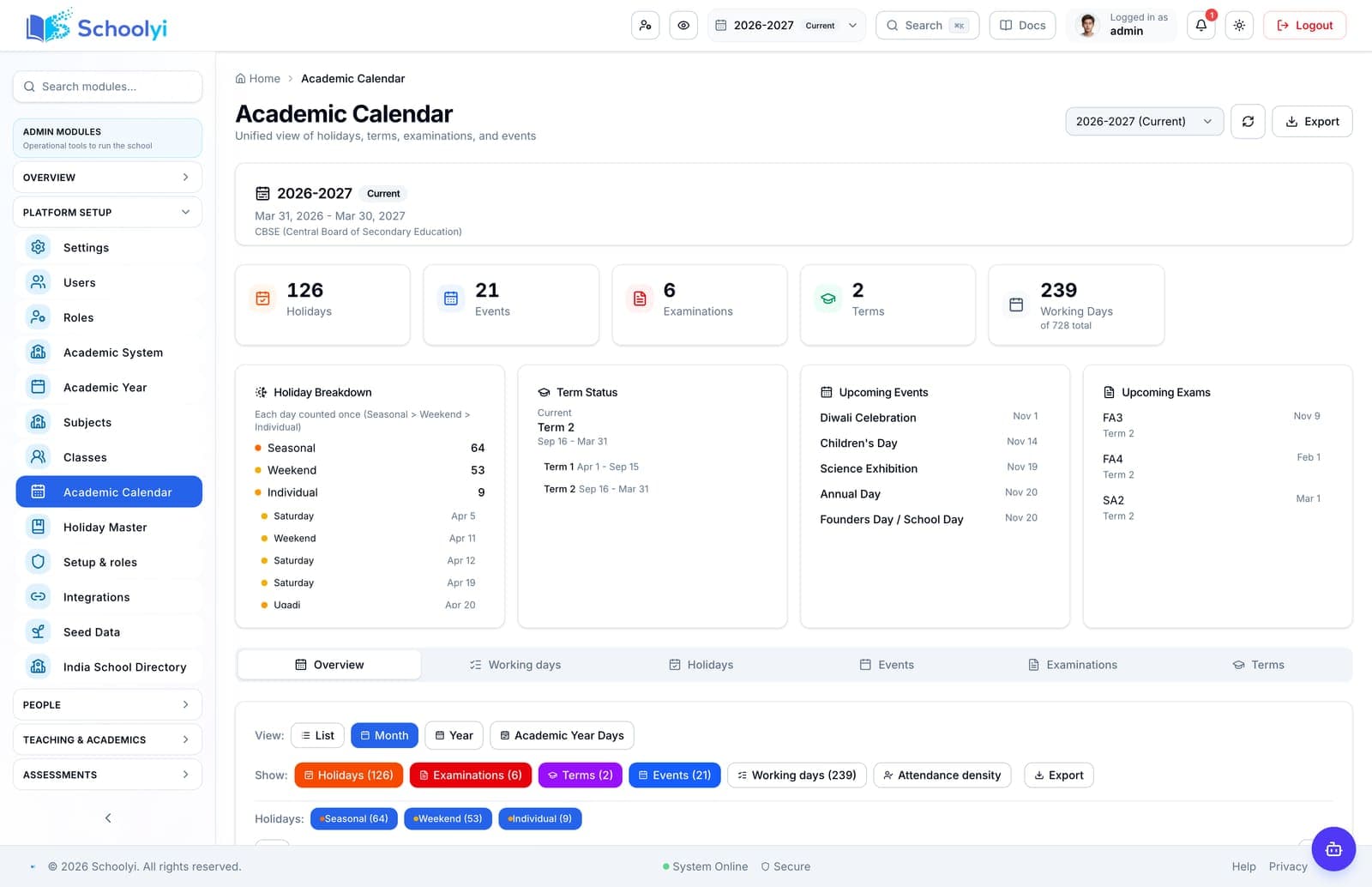
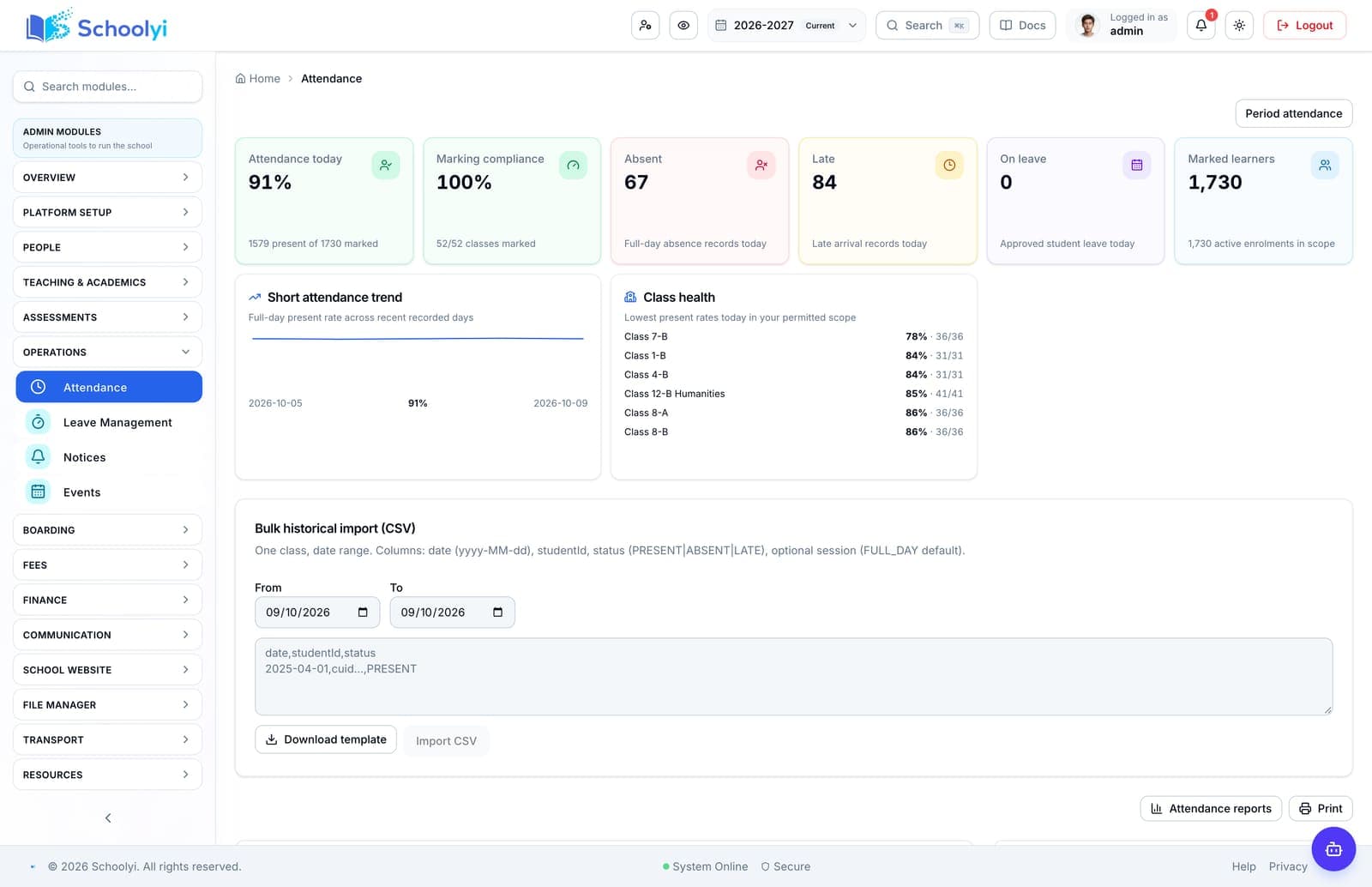
Admissions, fees, the calendar, attendance, and the class timetable from a Schoolyi demo school.
Workflow journeys
See how school work moves from one team to the next
These journeys show the handoffs between admissions, roster, calendar, academics, finance, operations, families, and the public school website.
Choose a question
Start with the page closest to your decision
Each page includes workflow steps, responsible teams, implementation detail, boundaries, evidence links, and FAQs.
Available now
Admissions to enrollment
Move an applicant from public application through review, offer acceptance, and live student enrollment without retyping the record.
Read the pageAvailable now
Fees to receipt
Configure fee structures, generate installments, collect online or counter payments, and give families a receipt that finance can reconcile.
Read the pageAvailable now
Calendar to attendance
Use one academic calendar to decide when school is open, mark attendance accurately, and show families a consistent history.
Read the pageAvailable now
Exam to report card
Run an exam cycle from session setup and invigilation through marks, moderation, publish gates, and family-facing report cards.
Read the pageValidate for rollout
Leave to substitute coverage
Connect staff leave requests to timetable context so coordinators can arrange substitute coverage before a class is uncovered.
Read the pageValidate for rollout
Transport assignment
Assign students to routes and stops, keep fleet context current, and connect transport charges to the student and parent view.
Read the pageValidate for rollout
Procurement to inventory
Take a school purchase from vendor and purchase order through goods receipt, stock movement, and finance review.
Read the pageValidate for rollout
Website publish to inquiry
Publish school news, events, staff, and admissions information from the same operational system families use to discover the school.
Read the page
How to use this directory
Guidance before you pick a page
Read this first if you are not sure which page answers your question.
Most school software problems live in the handoff
Individual modules are rarely the failure point. The failures cluster at handoffs: an admission that becomes an enrolment, an enrolment that becomes a roster entry, a roster entry that becomes an attendance register, an assessment that becomes a published report card, an invoice that becomes a receipt a parent can find.
Each journey in this directory follows one of those chains from the first action to the last record, naming the team responsible at each step so you can see where your current setup requires a spreadsheet or a re-entry.
Map your current journey before you change it
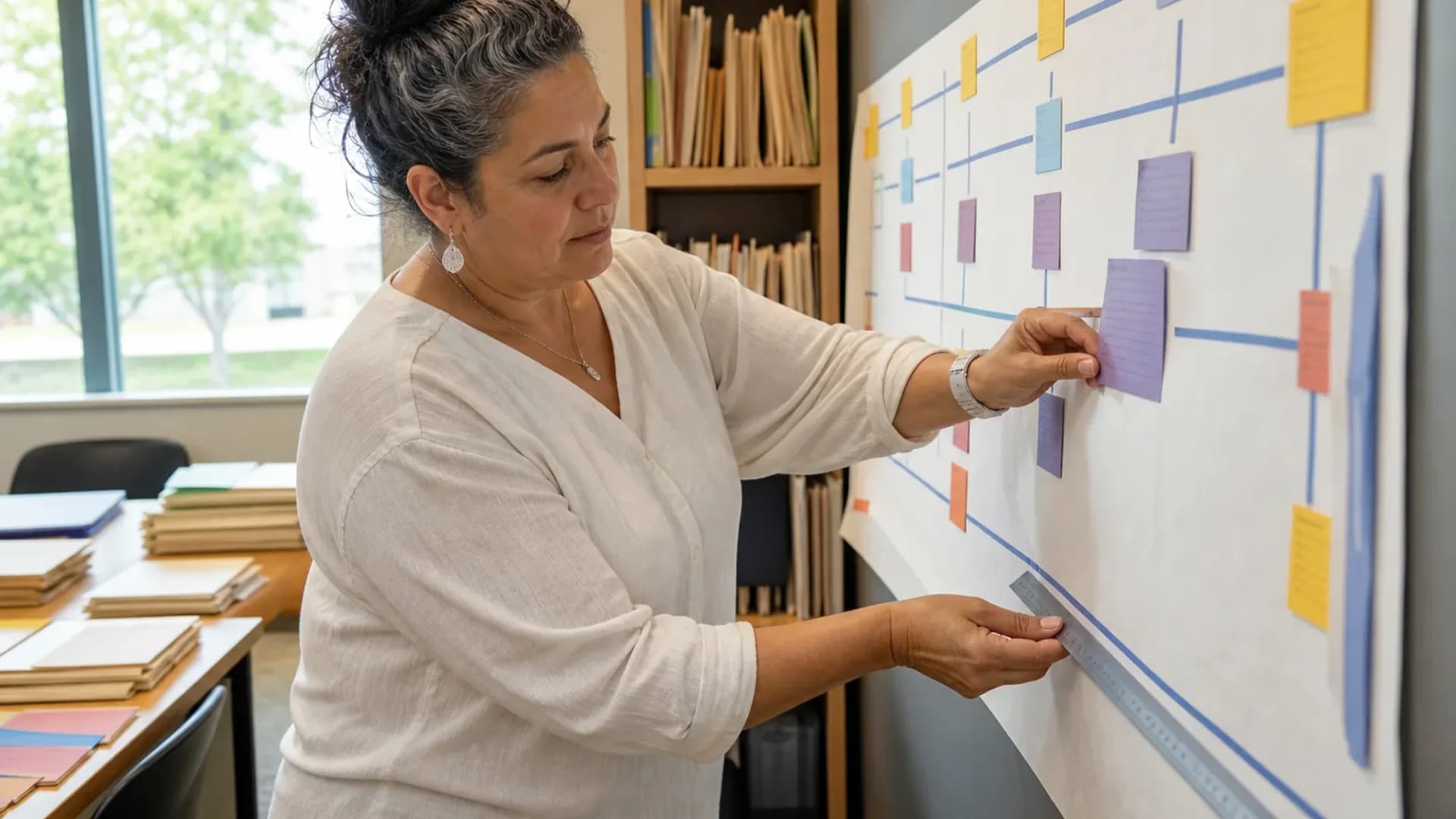
Reading a target-state journey is only useful next to your own. Walk one chain with the people who do it, record every place data is typed twice, exported, or reconciled by eye, and note how long each step waits on someone else.
That map is also the honest baseline for measuring whether a new platform helped, which is otherwise very hard to demonstrate after the fact.
Sequence changes by handoff, not by module
Rolling out modules one at a time tends to leave broken seams in the middle of a term. Rolling out a complete journey, even a narrow one, gives a team a workflow they can finish without falling back to the old system.
The journeys here are sized to be adoptable in a single phase, which makes them a reasonable unit for planning a phased implementation. Pick the first one by asking which handoff currently costs the most staff hours per week, not which module looks most outdated - the two are often different, and the second question is how schools end up replacing a system that was working.
One caveat on sequencing: a journey that ends in something a parent sees, such as a receipt or a report card, is a better first phase than one that ends inside the office. Families notice when the visible artefact improves, and that early credit makes the less visible phases easier to fund and staff.
Questions about this directory
How to use these pages during an evaluation, and what they deliberately do not claim.
What is a school workflow journey?+
A journey is one complete chain of work across teams, from the first trigger to the final record. Admissions enquiry to enrolled student with a roster place is a journey; the admissions module is not. Journeys are the useful unit because they expose the handoffs where data is re-entered or lost.
Pilot one record through application, review, decision, and handoff so the public status and staff queue remain aligned. Include an incomplete-document or declined-offer case before opening the workflow to every intake.
Which journey should we fix first?+
The one carrying the most manual reconciliation, which in most schools is either fee collection to receipt or attendance to follow-up. Fixing a high-friction journey end to end delivers visible relief and builds the credibility a wider rollout needs.
Before the first collection cycle, reconcile one paid, partially paid, and overdue student account so the family receipt and finance view agree. Keep any tax, gateway, refund, or accounting boundary as an explicit deployment decision.
How do we know a journey has actually improved?+
Pick one number before you change anything: hours spent on the task per week, days from enquiry to enrolment, percentage of fees reconciled without manual intervention, or number of exports required. Measure it for a term, change the workflow, then measure again with the same definition.
Before the first collection cycle, reconcile one paid, partially paid, and overdue student account so the family receipt and finance view agree. Keep any tax, gateway, refund, or accounting boundary as an explicit deployment decision.
Do journeys need to be redesigned for each school?+
The chain is usually similar across schools; the ownership, approval points, and local requirements are not. Use these journeys as the structure and expect to adapt who approves what, which fields are mandatory, and how exceptions are handled.
Test the answer with a representative record and role before making it part of a live term workflow. Capture the expected result and the exception path so the team can verify it after launch.

Need help choosing the first page?
Bring your school’s workflow, roles, and first-term priorities to a focused walkthrough.
Already using Schoolyi? Sign in